In this article
A fundraising gala has three jobs on the same night: give guests a good evening, make sponsors visible, and raise money. Most of the work happens weeks before, in decisions about tickets, sponsors and arrival.
1. Set the goal and the budget
Decide what the night needs to raise, then work backwards: venue and catering costs, how many guests the room holds, and how much of the total will come from tickets versus sponsors and giving on the night. The ticket price follows from that, not the other way around.
2. Keep ticket tiers simple
Most galas need only two or three tickets:
- Individual: one seat.
- Couple: for guests who bring a partner. Pricing it as its own ticket is clearer than asking people to buy two.
- Patron or VIP: a higher price that includes something real, such as a reception before dinner or recognition in the program.
If you sell full tables, describe what a table includes and who to contact for one, so a host can bring guests without buying ten separate tickets.
3. Build sponsor levels
Name your levels (for example Presenting, Gold and Silver) and write down what each one gets: logo size on the event page, a mention from the stage, seats included. Then deliver exactly that. Sponsors renew when they can see they got what they paid for.
4. Ask only what the evening needs
At registration, ask for each guest's name, meal choice and any dietary needs. If you print name badges, ask how the name should appear. Skip anything you will not use on the night.
5. Plan the drinks
If guests get a set number of drinks, decide it in advance and make it easy to track: drink tickets, wristbands, or a scan at the bar. A clear allowance prevents awkward moments at the bar and keeps the catering bill predictable.
6. Make arrival quick
The first ten minutes set the mood. A line at the coat check and another at registration is a poor start to a night you want people to give at. To keep the door moving:
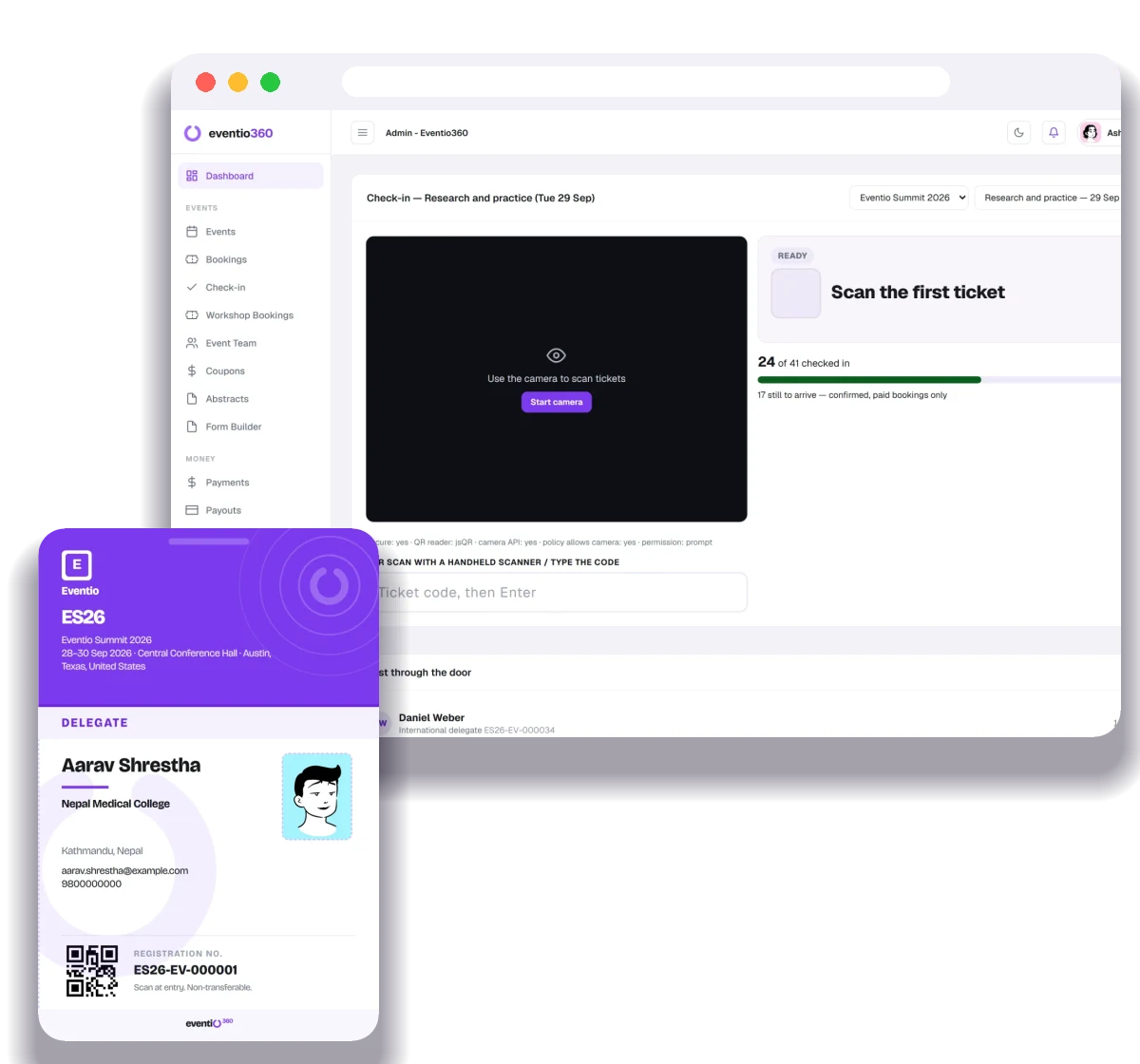
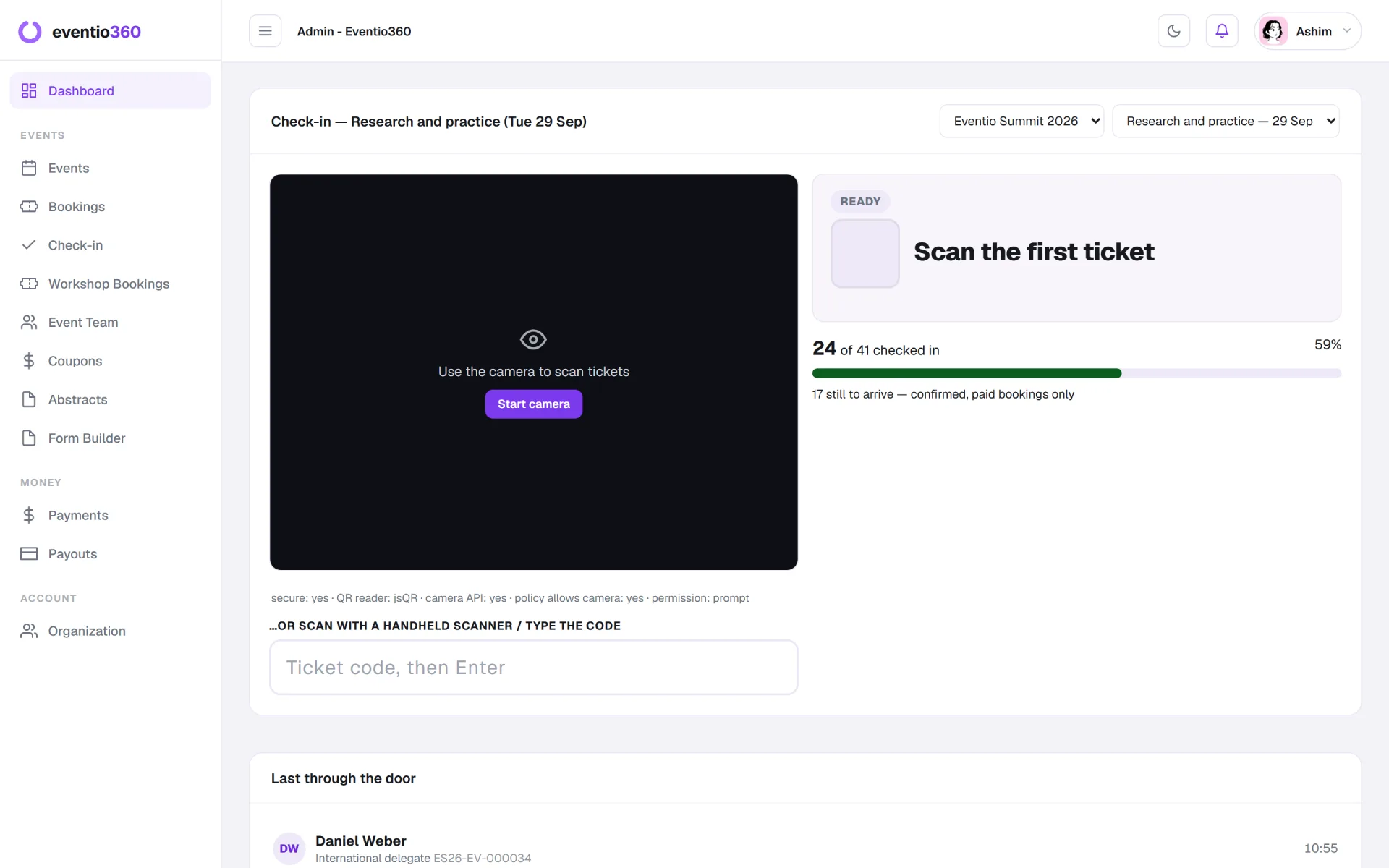
- Check guests in by scanning the ticket on their phone, from two or three volunteers' phones at once.
- Print name badges in advance, sorted alphabetically.
- Keep one person free to handle "my name isn't on the list".
7. Follow up within a week
Thank guests and sponsors within a week, with a photo or two and what the night achieved. Send sponsors a short summary of where their name appeared.
What to use for donations
Ticketing and giving are different jobs. Use your usual donation platform or payment tool for gifts and pledges on the night, and keep tickets for admission.
How this works in Eventio360
You can set up ticket types for Individual, Couple and VIP, priced in USD, and let guests bring an accompanying person on their booking. Sponsors are grouped by level with their logos on the event page and, if you choose, on name badges. Food and drink allowances let staff scan a guest's badge or ticket at the bar against their allowance, and check-in works from any phone.
Registration, ticketing, payments from anywhere, QR check-in, badges, certificates and analytics — free to start.