In this article
A registration form has one job: collect what the event needs from each attendee, without losing the attendee on the way. Most forms fail by asking too much.
Start from what you will use
Before adding a field, name the person who needs the answer:
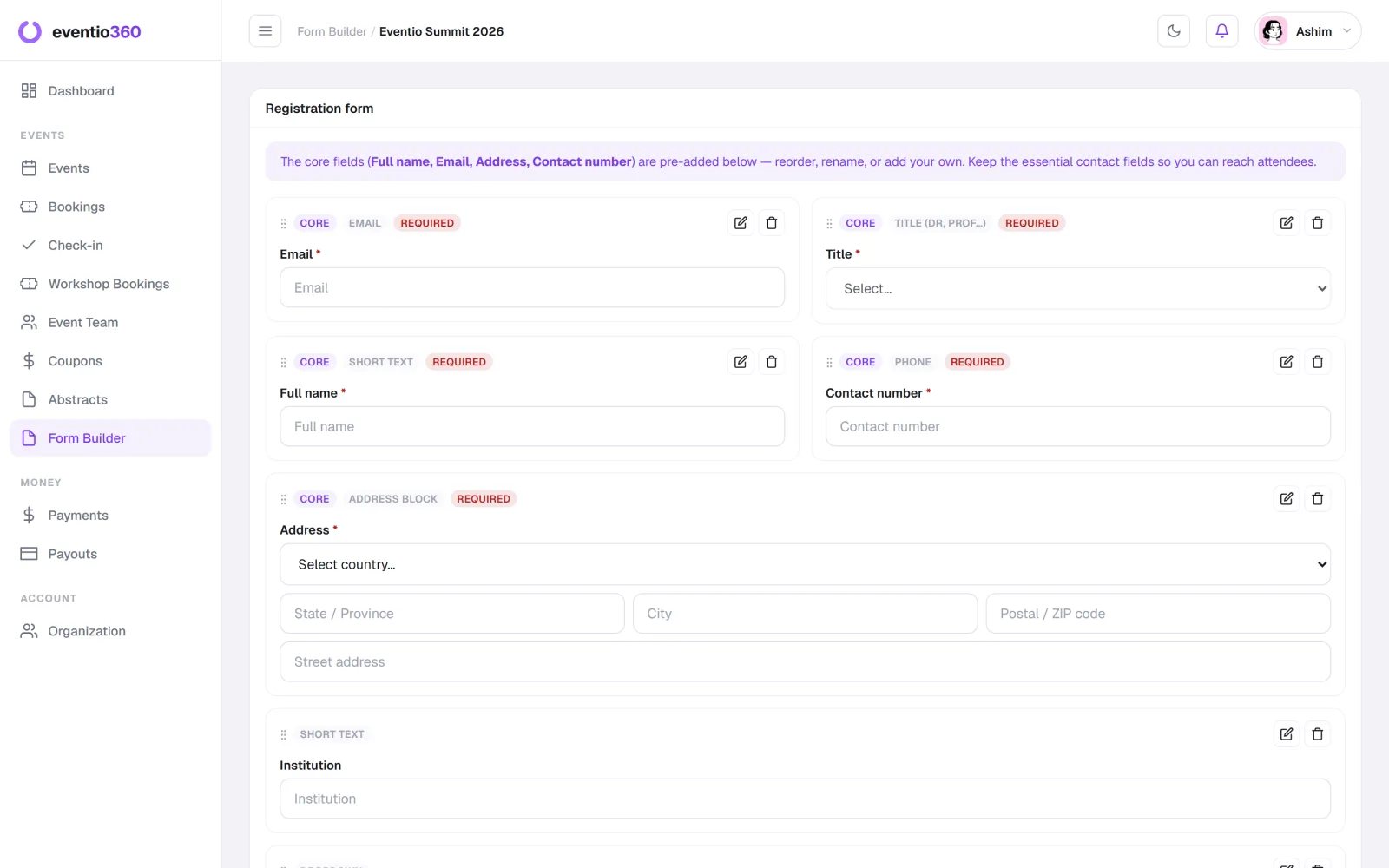
- The door needs a name and a ticket.
- The caterer needs dietary requirements.
- The badge printer needs a name as it should appear, and perhaps an institution or company.
- The certificate needs the attendee's full name spelled correctly — and often a title.
- You need an email to send the ticket, and a phone number if things change on the day.
If nobody will read the answer, delete the question.
The fields almost every event needs
- Full name (as it should appear on the badge and certificate)
- Email address
- Phone number
- Ticket type
Fields that earn their place
- Dietary requirements — if you are serving food.
- Institution or organisation — for professional events and badges.
- Session or workshop choices — only if capacity is limited.
- "How did you hear about us?" — cheap to ask, useful for planning your promotion.
Fields to cut
- Postal address, unless you are posting something.
- Date of birth, unless the law requires it.
- Anything you "might use later".
Make it easy to finish
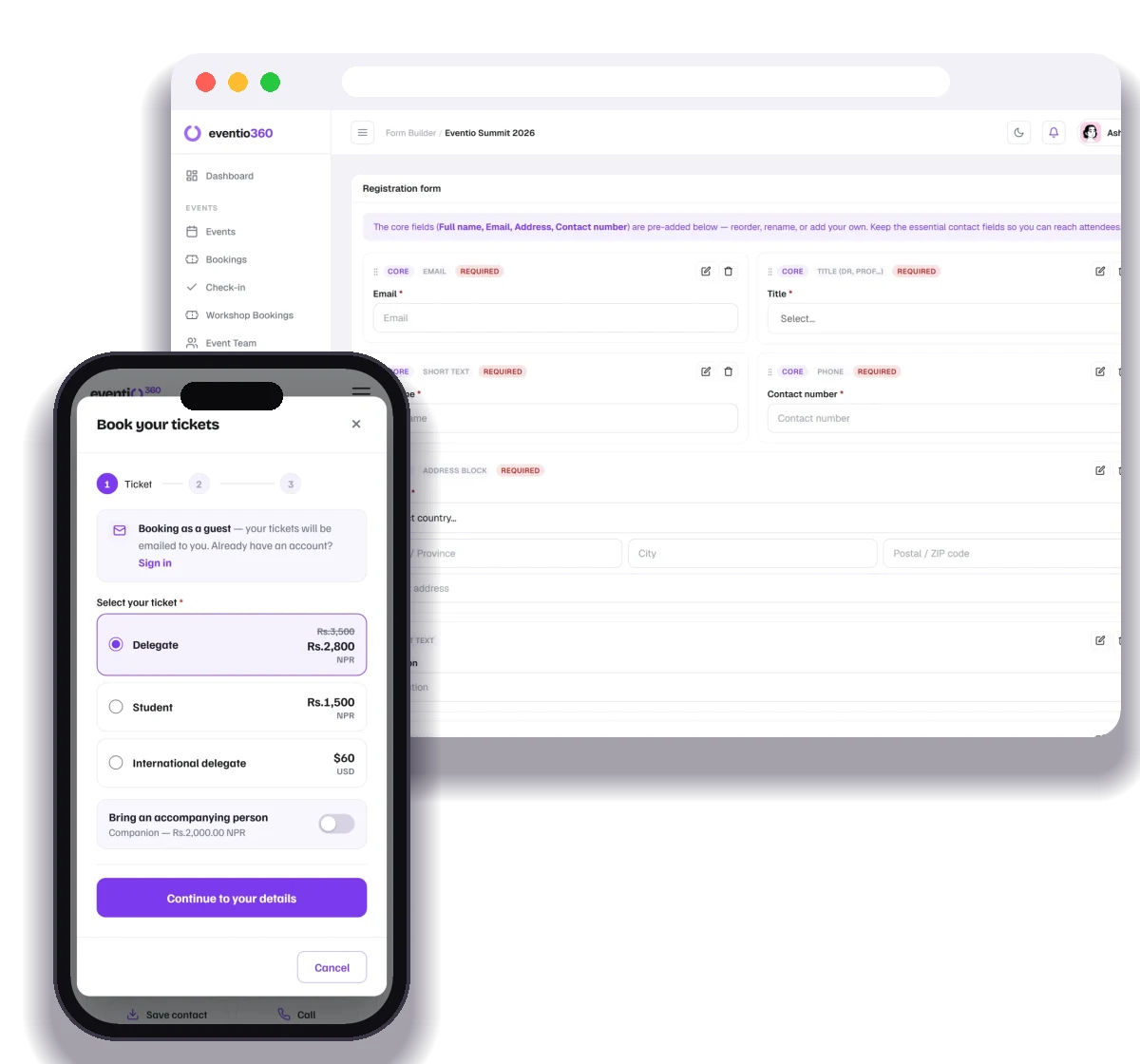
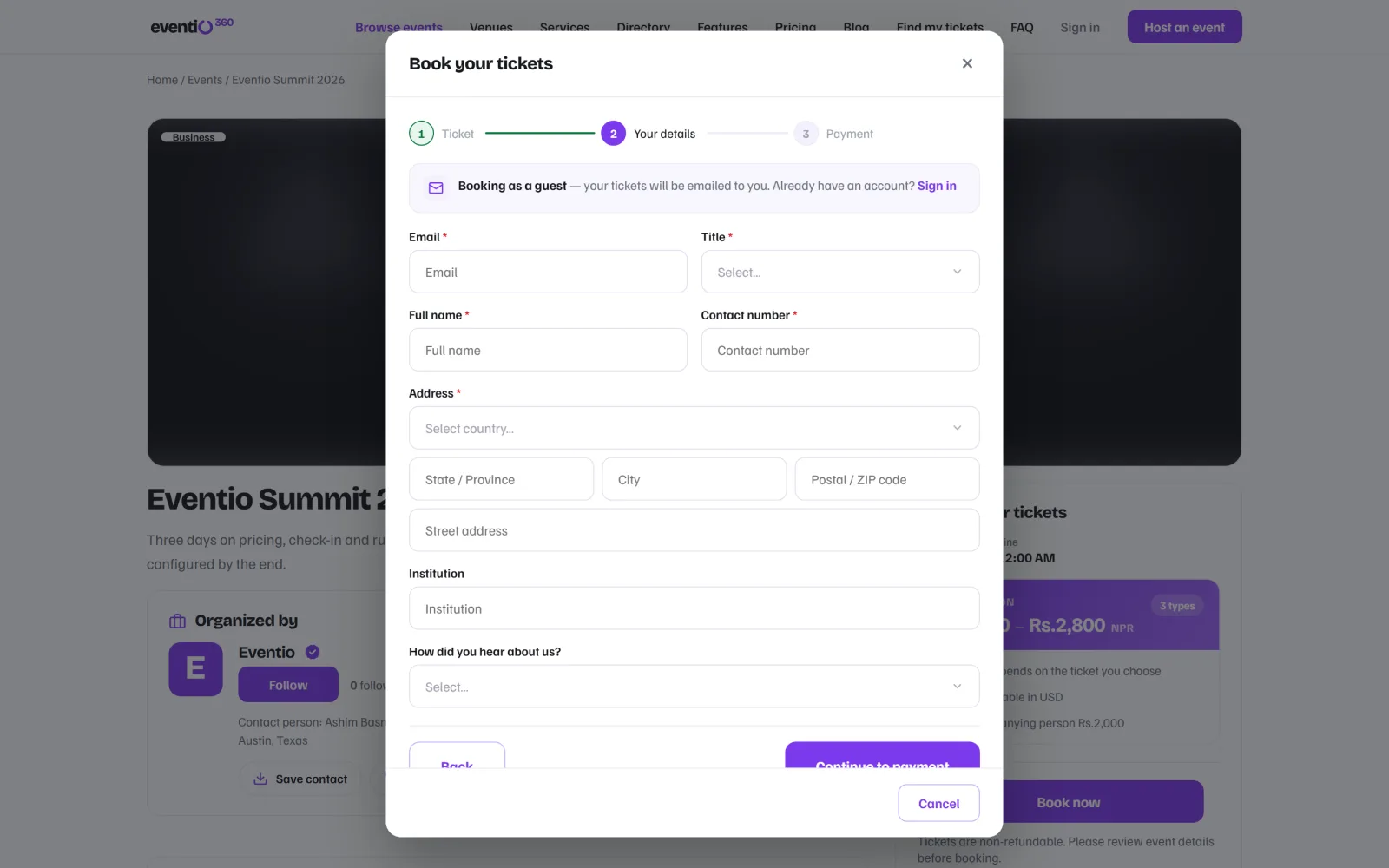
- No forced account. Let people book as guests; send the ticket by email.
- Explain why you ask for anything sensitive.
- Use the right input — date pickers for dates, choices instead of free text where possible.
- Test it on a phone. Most people register from one.
Stop duplicate registrations
People re-book when a payment page reloads or an email is slow to arrive. Match bookings on the attendee's email and hand back the booking they already have, instead of creating a second one.
Collect it once, use it everywhere
The best part of a good form is that you never ask twice: the same answers should feed the badge, the check-in list, the certificate and your post-event report.
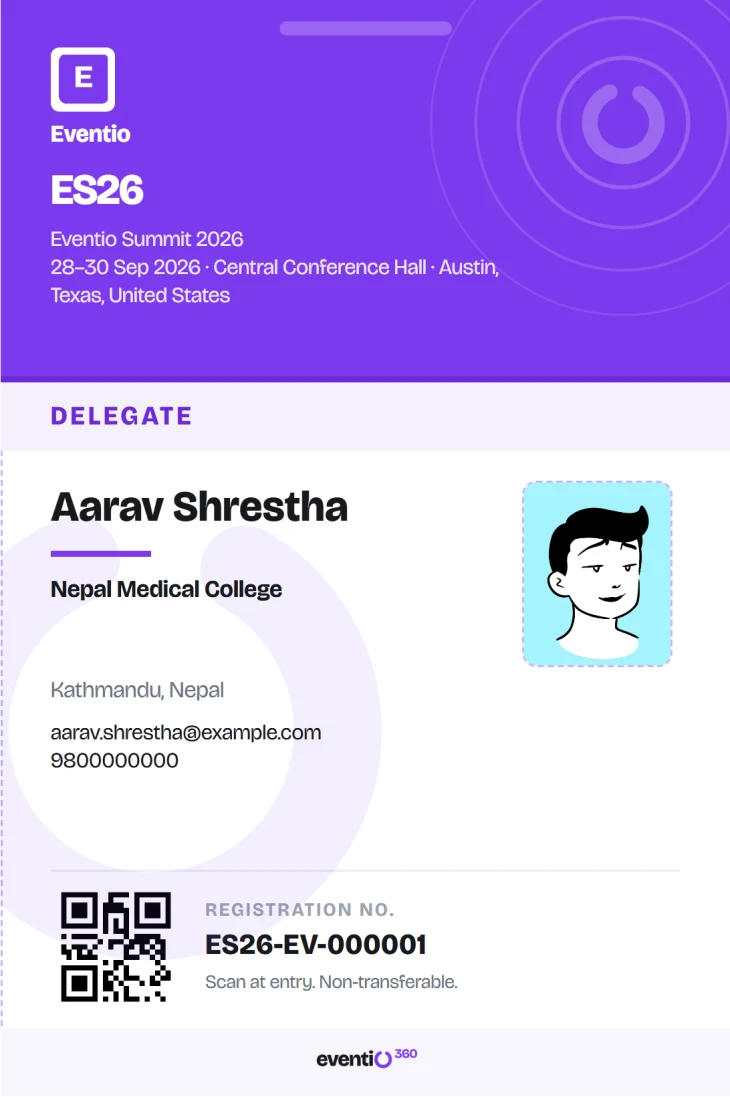
With Eventio360 you build your own registration form per event, and the answers flow into bookings, badges, certificates and charts in your analytics — see event metrics that matter.
Build your own registration form, let people book as guests in a few taps, and give every attendee a page with their ticket, invoice and certificates.