21 tools · integrations Works with the tools you already use

Online platforms, calendars, maps, messaging and spreadsheets — Eventio360 fits into how you and your attendees already work.

Online & hybrid events

Choose the platform and add the meeting or stream link — it shows on the event page.

Zoom

Choose Zoom as the platform and add the meeting link, ID and passcode to the event.

Registration →

Microsoft Teams

Run the session on Teams: pick it as the platform and paste the meeting link.

Registration →

Webex

Webex is one of the platforms you can choose for an online or hybrid event.

Registration →

YouTube Live

Stream on YouTube Live and take registrations on Eventio360; the stream link sits on the event page.

Ticketing →

Facebook Live

Pick Facebook Live as the platform for a streamed session.

Ticketing →

Google Meet

Any meeting link works as a custom platform — Google Meet included.

Registration →

Calendars

One tap from the booking page puts the event in their calendar.

Google Calendar

Add to Google Calendar opens a ready-filled event: time, venue and a link back.

Registration →

Apple Calendar

The calendar file (.ics) opens straight in Apple Calendar on iPhone and Mac.

Registration →

Outlook

The same calendar file (.ics) opens in Outlook.

Registration →

Sharing

Every event page and "I'm attending" poster shares in one tap.

WhatsApp

Share the event, or an attendee's "I'm attending" poster, to WhatsApp in one tap.

Mobile app →

Facebook

One-tap sharing of the event page to Facebook.

Registration →

LinkedIn

Share conferences and professional events to LinkedIn.

Conferences →

X

Post the event to X with its link.

Registration →

Email

Tickets, receipts and booking links arrive by email; events share by email too.

Ticketing →

Maps

Directions to the venue from the event page.

Google Maps

Directions and the venue's location, one tap from the event page.

Registration →

Mobile

One app for attendees and organisers.

iPhone

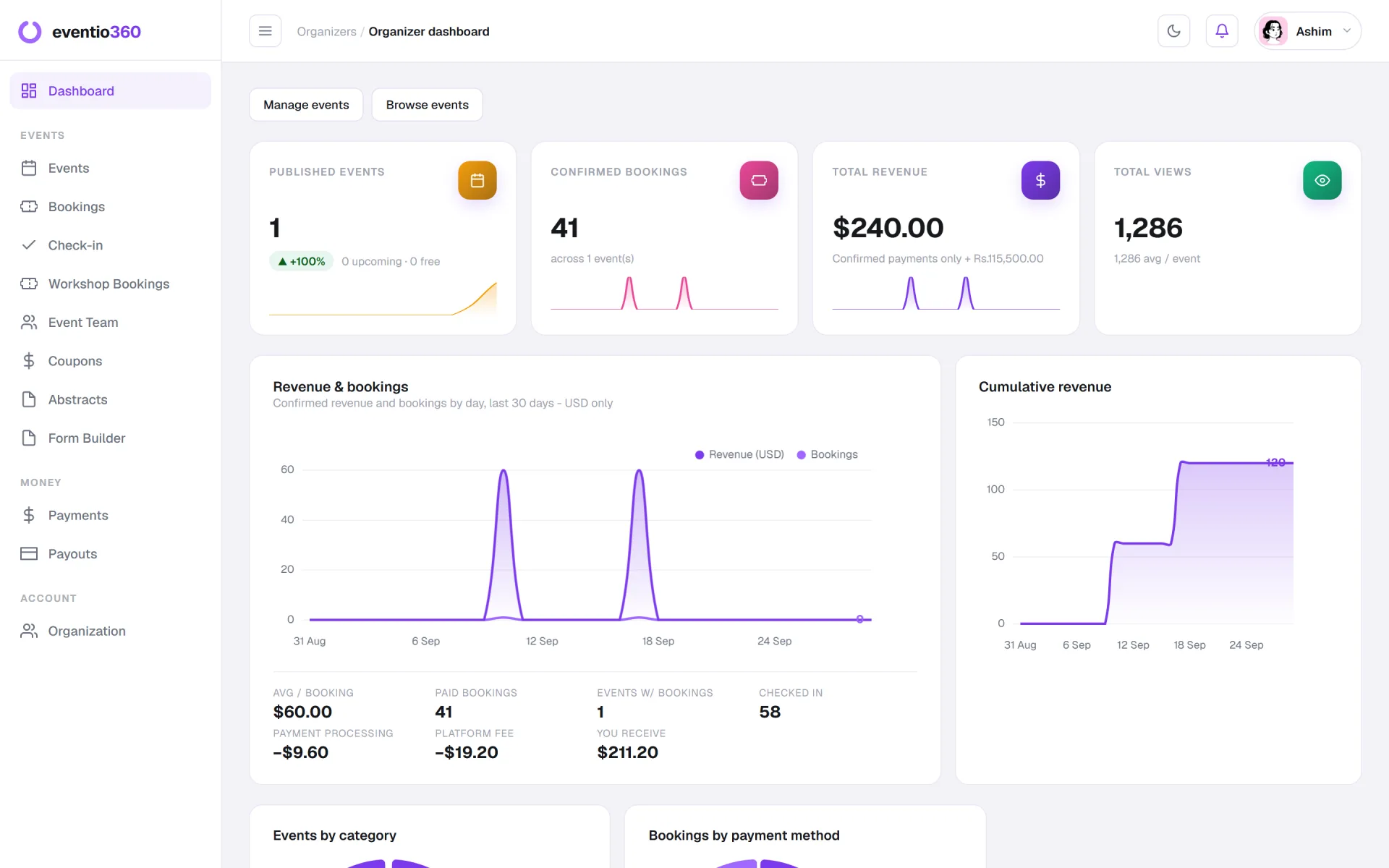
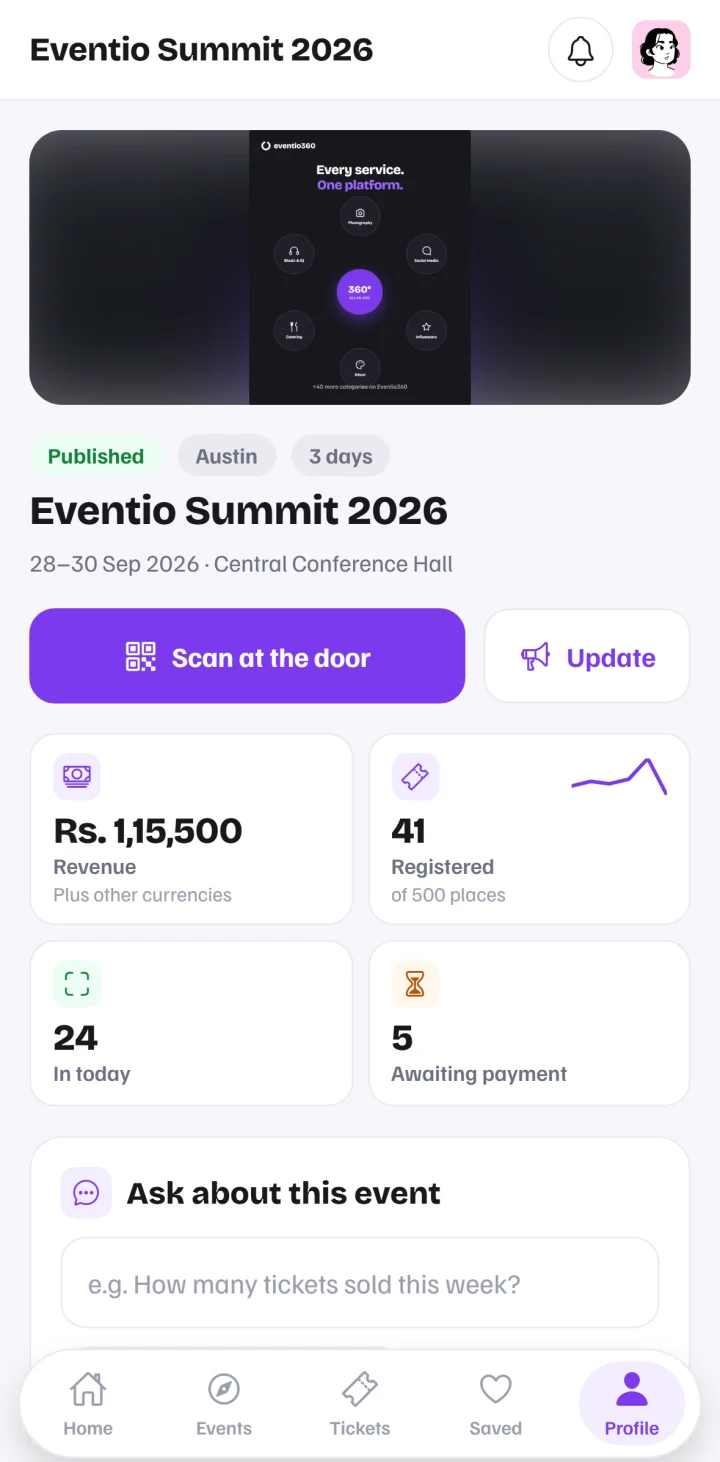
The Eventio360 app on iPhone: tickets for attendees, dashboard and check-in for organisers.

Mobile app →

Android

The same app on Android, with push notifications.

Mobile app →

Files & exports

Your data leaves in the formats your tools read.

Excel

Export bookings and registration answers to a spreadsheet Excel opens.

Registration →

Google Sheets

The CSV export imports into Google Sheets.

Registration →

PDF

Badges, certificates, invoices and the event report as PDFs.

Badges & certificates →

Contacts

Save an organiser to your phone's contacts from their profile.

Registration →

Payments

Local and international, on one checkout.

Local wallets & bank apps

Attendees pay the way they are used to at home.

Ticketing →

International cards

Delegates from abroad pay by card, in the currency of their ticket.

Ticketing →

Integrations: questions, answered

Does Eventio360 work with Zoom, Teams and Google Meet?
Yes. For an online or hybrid event, choose the platform — Zoom, Microsoft Teams, Webex, YouTube Live or Facebook Live — or paste any meeting link, Google Meet included. The link, meeting ID and passcode show on the event page.
Can attendees add the event to their calendar?
Yes. The booking page has Add to calendar: a ready-filled Google Calendar event, or a calendar file that opens in Apple Calendar and Outlook.
Can I export registrations to Excel or Google Sheets?
Yes. Bookings and the answers to your registration questions export as CSV, which Google Sheets imports, or as a spreadsheet Excel opens. Reports, invoices, badges and certificates come as PDFs.
Is there a Zapier, webhook or CRM connection?
Not today. What Eventio360 connects to is listed on this page; everything else leaves through the exports.
Which payment methods can attendees use?
Local banking apps and wallets, and international cards — each ticket priced in its own currency.

Your next event starts here

Registration, tickets, the door and the reports — in one platform, working with the tools you already use.

Get started free