Event Registration Software with Custom Forms Event registration software that asks exactly what you need

Build your own registration form, let people book as guests in a few taps, and give every attendee a page with their ticket, invoice and certificates.

No monthly fee Free events stay free Web and mobile app
Event registration software that asks exactly what you need — Eventio360
9:41
Registration in the Eventio360 app

Your form, your questions

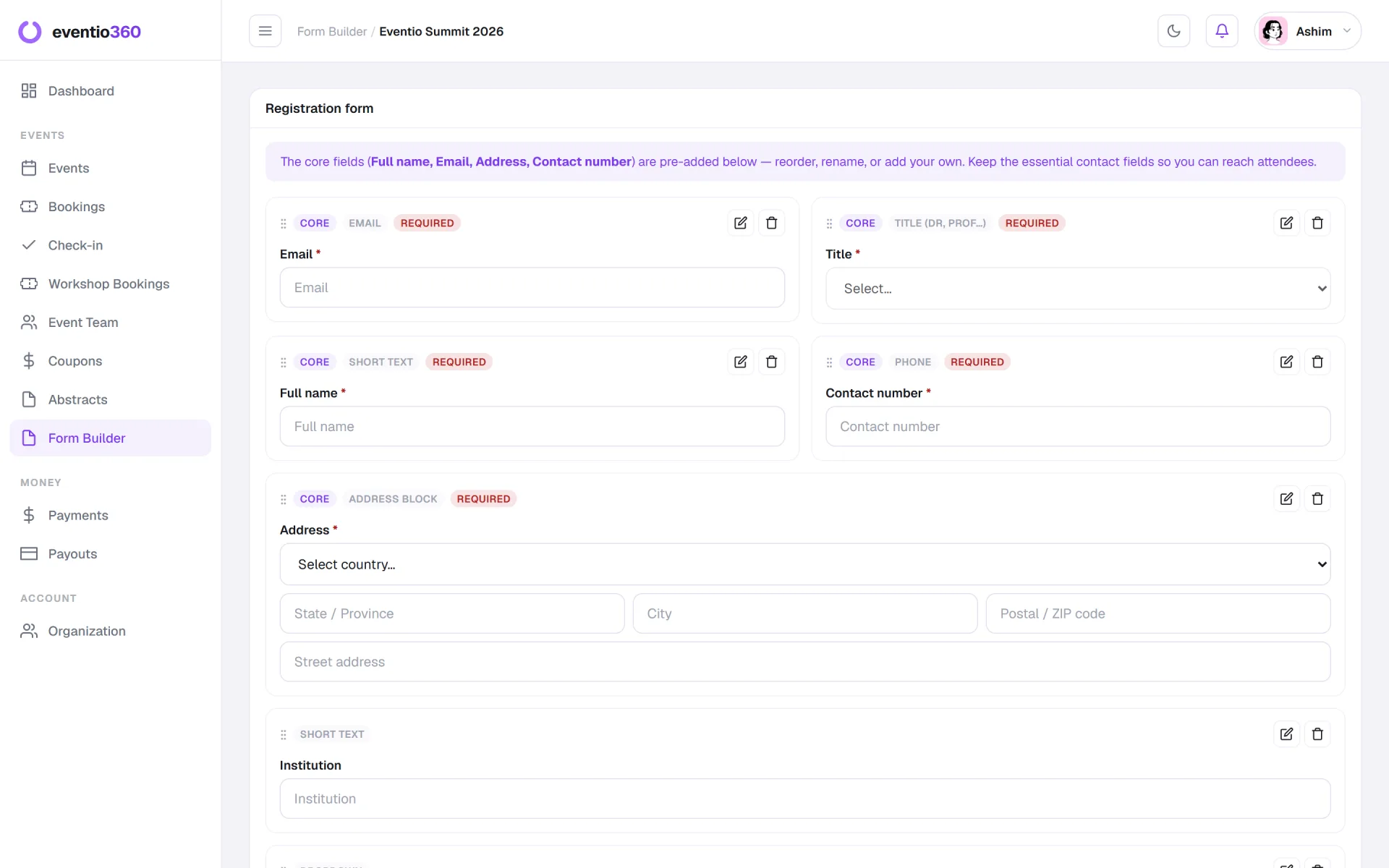
Build the registration form your event needs

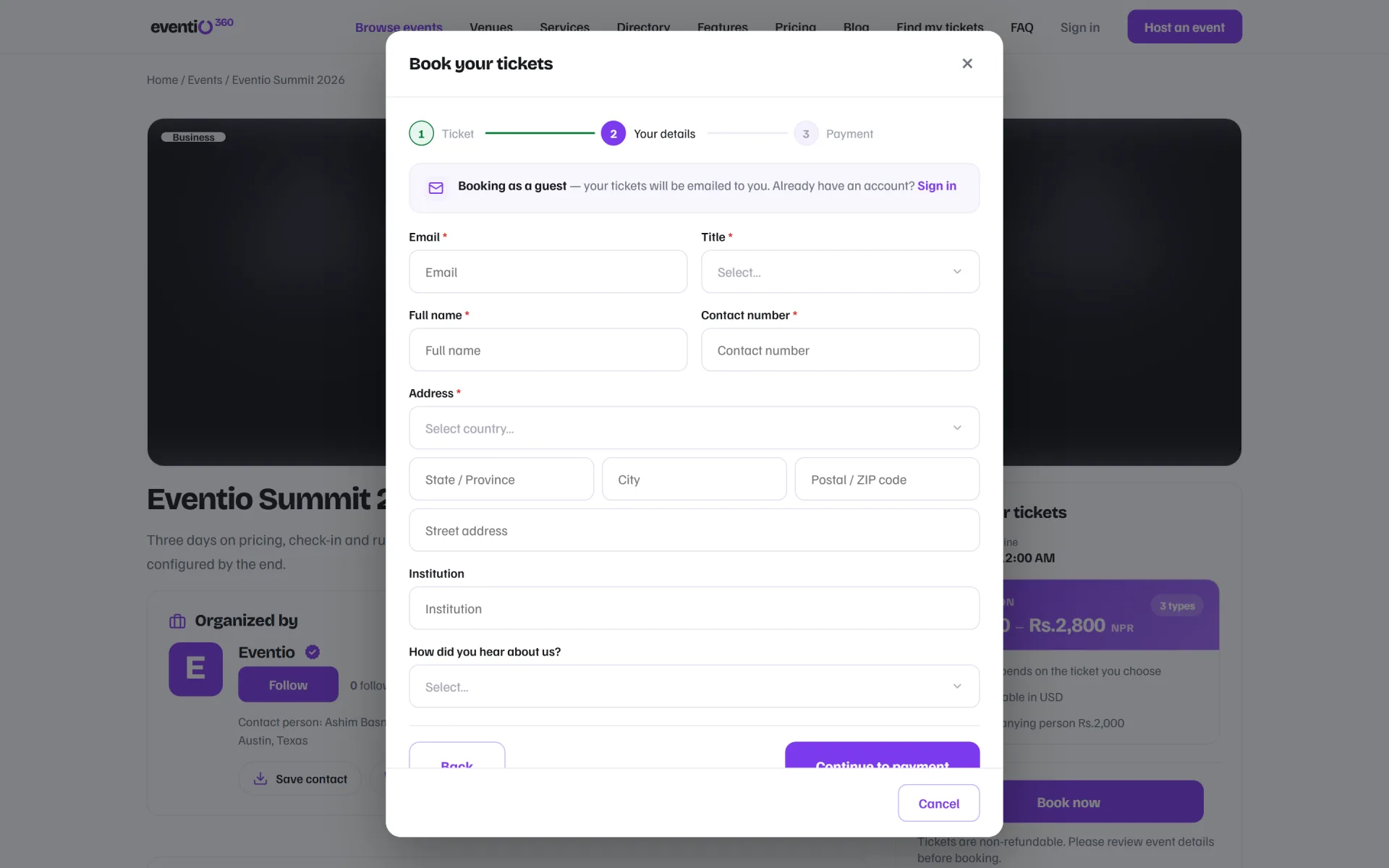
Add the questions you actually use — institution, dietary needs, session choice, how they heard about you — and mark each one required or optional.

  • Text, choice and yes/no questions
  • Required and optional fields
  • The answers flow into bookings, badges and analytics
Event registration form builder with custom questions

Guest checkout

No account needed to book

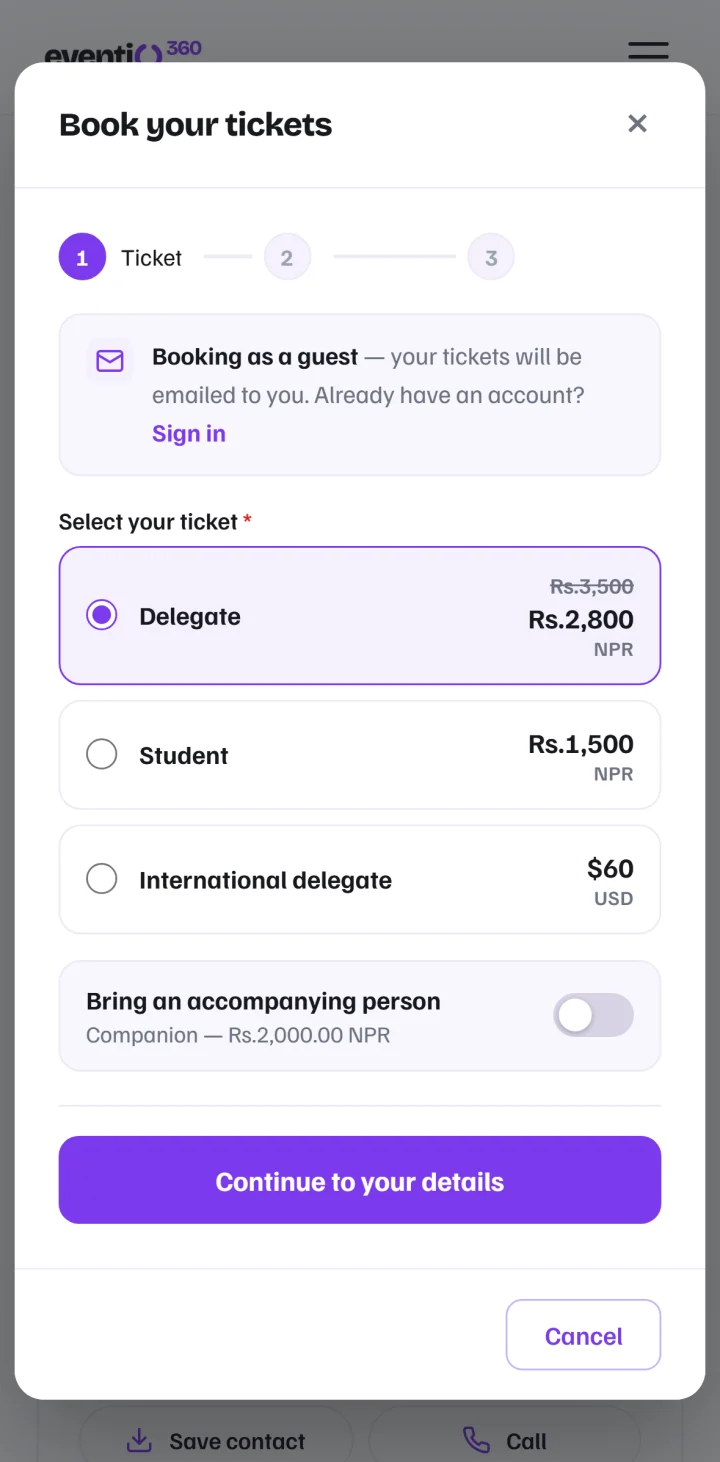
Attendees choose a ticket, answer your questions and pay — as a guest. Their ticket arrives by email and they can find it again any time.

  • Book in three short steps
  • Tickets emailed automatically
  • Works on any phone
The registration form an attendee sees when booking as a guest

No duplicates

One booking per attendee

If someone registers again with the same email, they are handed the booking they already have instead of paying twice.

  • Matched on the attendee email
  • Unpaid bookings can be resumed
  • Clean attendee lists at the door
9:41
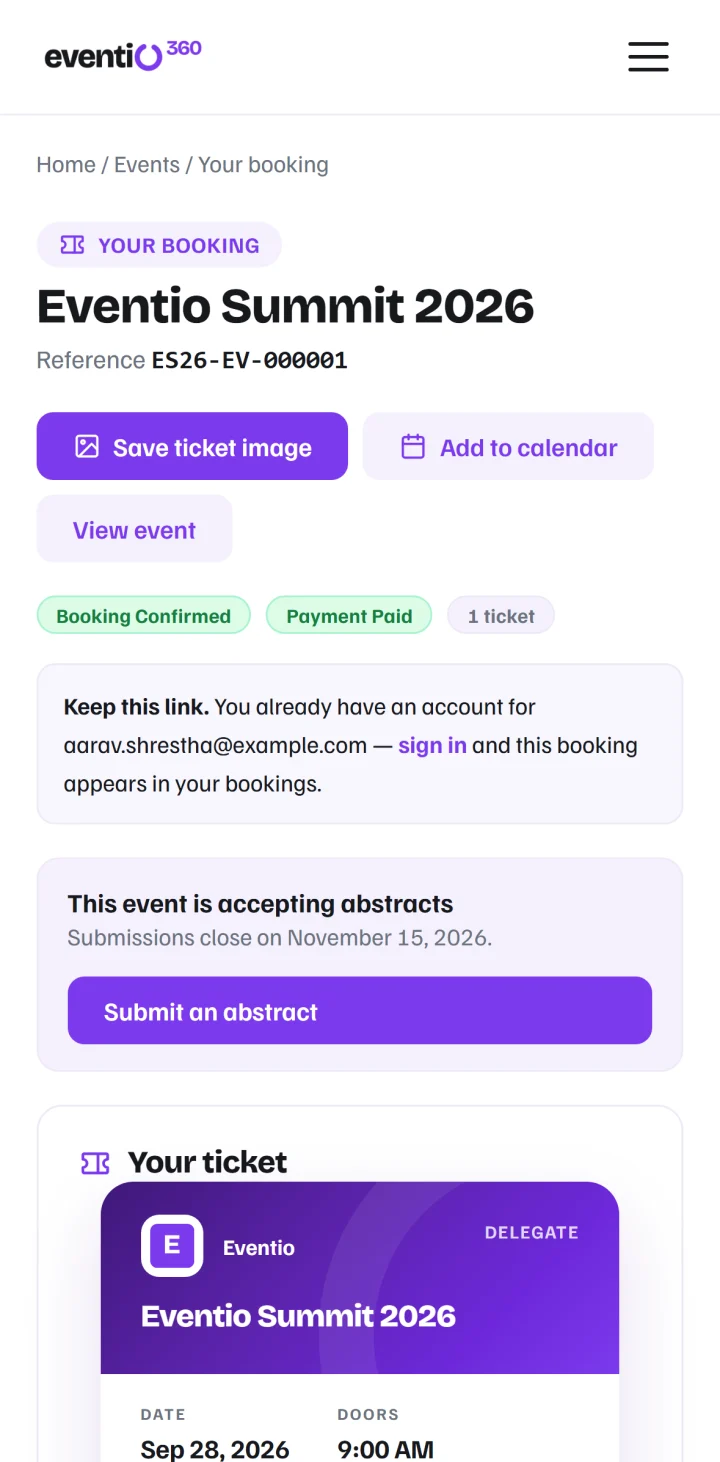
An attendee booking page with the ticket and its status

A page for every attendee

Ticket, invoice and calendar in one place

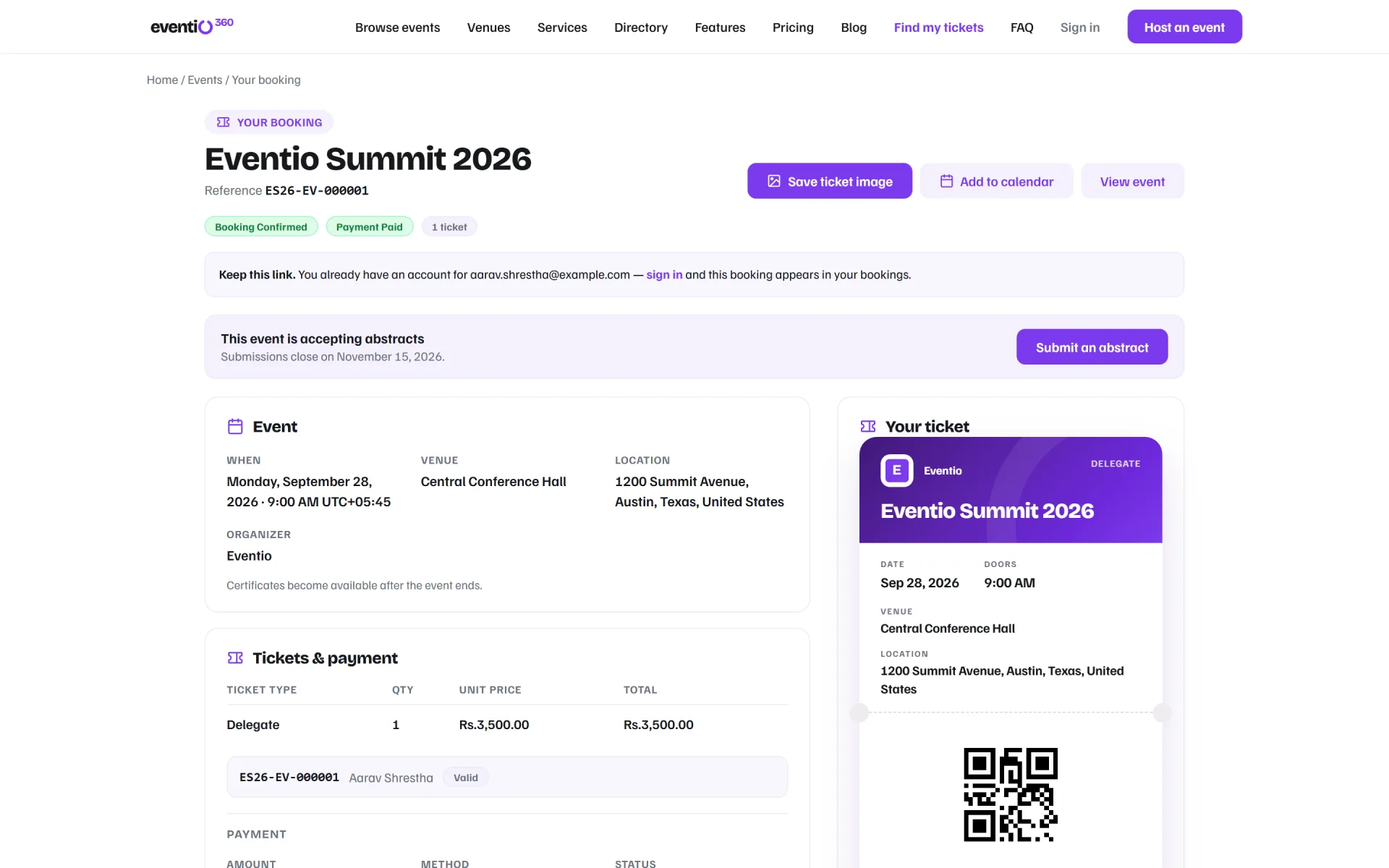
Every booking has its own page: the ticket with its QR code, the invoice, Add to calendar, a shareable "I'm attending" poster and — once you release them — certificates.

  • Save the ticket as an image
  • Add to calendar in one tap
  • Certificates appear when you release them
Attendee booking page with the ticket, invoice and Add to calendar

One platform

Everything else your event needs

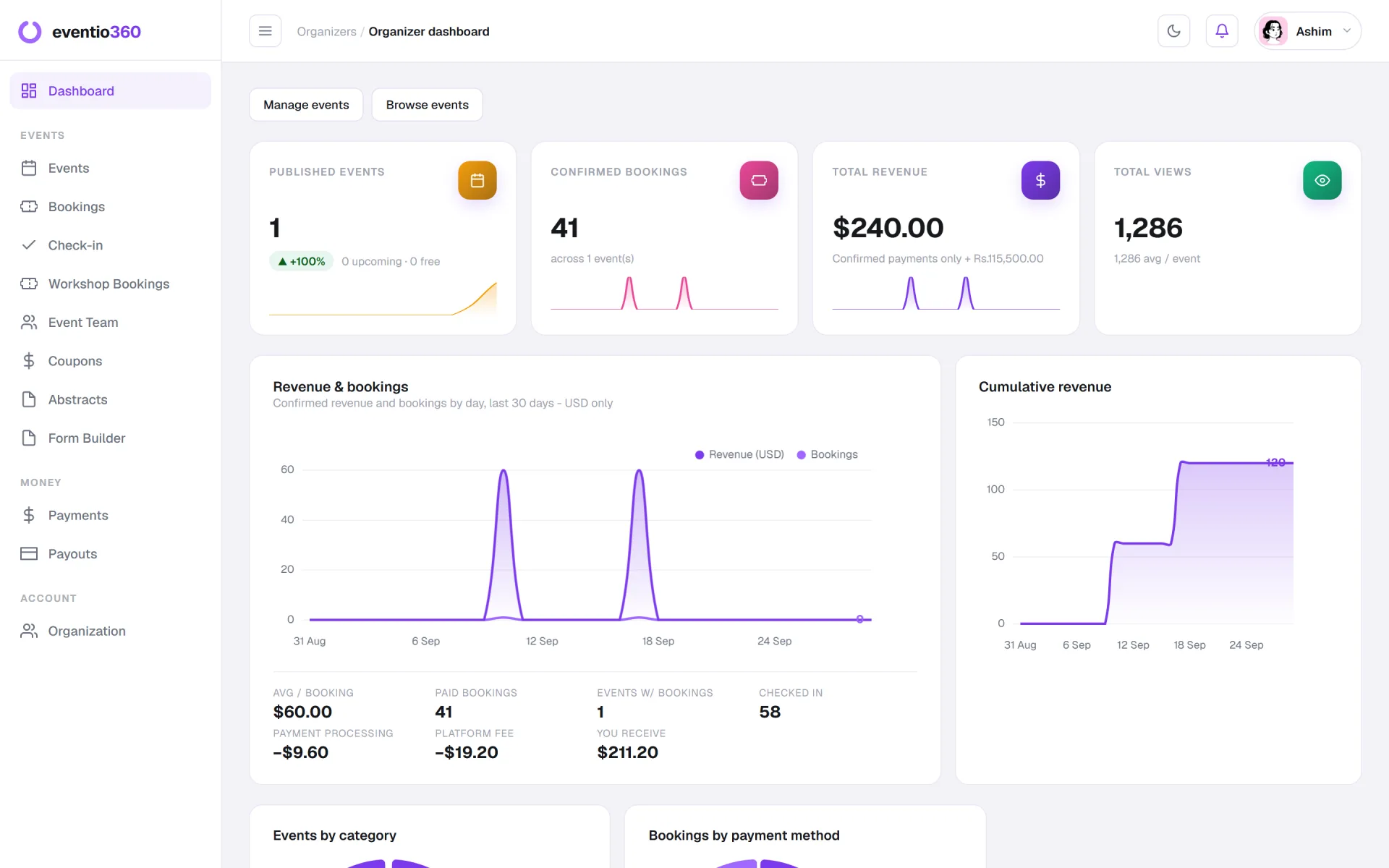
Registration is one part of Eventio360 — the rest is already connected.

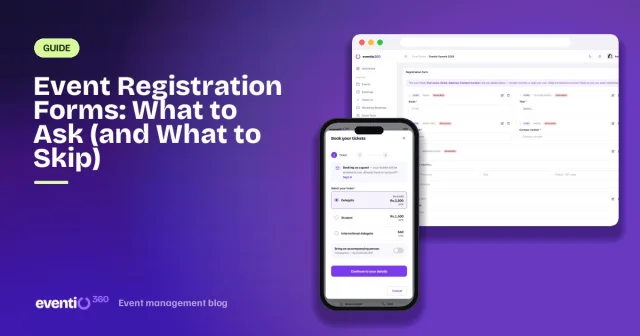
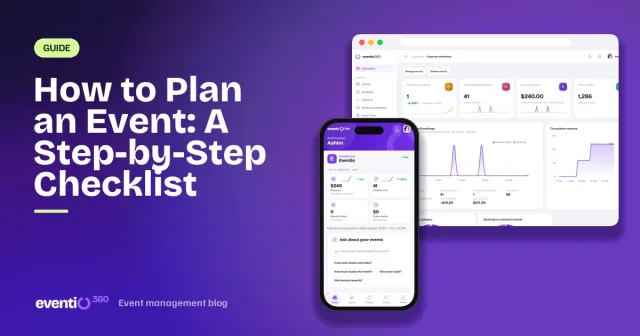
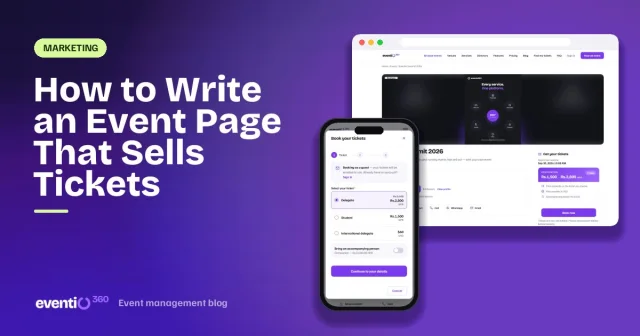
Guides

Learn more on the blog

Registration: questions, answered

Do attendees need an account to register?
No. Attendees can book as guests with just their email. Their ticket is emailed to them and they can look up their booking any time.
Can I add my own registration questions?
Yes. Each event has its own registration form, with required and optional questions. The answers show on each booking and are charted on the event analytics page.
What happens if someone registers twice?
A second registration with the same email hands back the booking that person already has, so nobody pays twice and your list stays clean.
Can I export the registrations?
Yes. Bookings, with the answers to your registration questions, can be exported from the organiser dashboard.

Your next event starts here

Tickets, registration, payments, the door and the reports — in one platform, on the web and in the app. No monthly fee.

Get started free