In this article
Most visitors decide within seconds whether an event is for them. A good event page answers their questions in the order they ask them: what is it, is it for me, when and where, what does it cost, how do I book?
1. A title that says what it is
"Annual Conference 2026" tells a stranger nothing. "Practical Surgery Conference 2026 — Three Days of Hands-On Workshops" tells them what, how long and why. Put the most important words first; search engines and social previews cut long titles short.
2. One sentence that makes the promise
Right under the title, say who the event is for and what they get: "For marketing teams who want to leave with a campaign plan, not just notes."
3. The practical block, above the fold
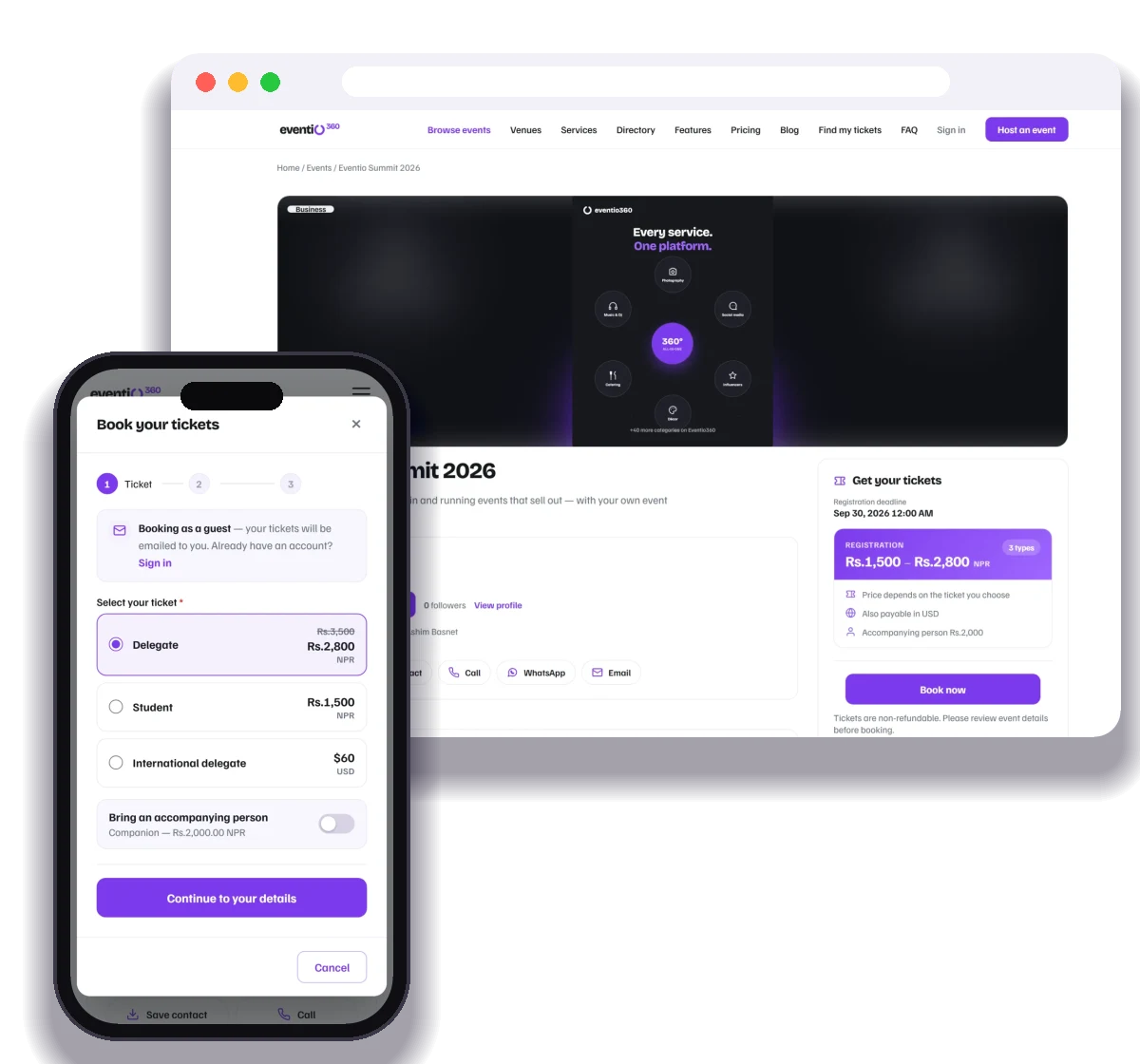
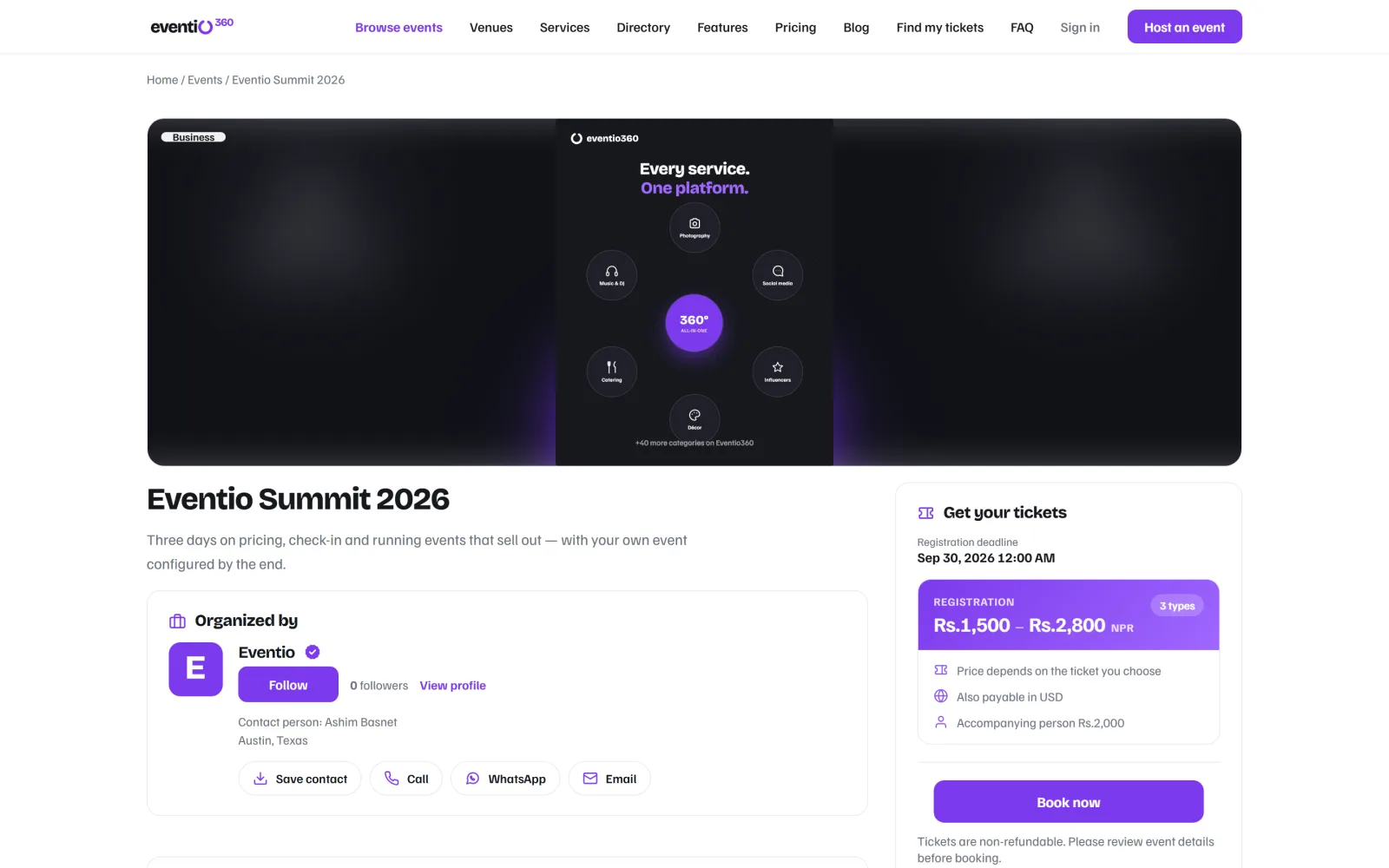
Date and time (with time zone for online events), venue with a map link, price range and a single "Book now" button. If someone has to scroll to find the date, you have lost them.
4. The programme and the people
List sessions and speakers with photos. For conferences, show the days separately. People buy the experience of specific sessions, not the event in general.
5. What is included
Lunch? Materials? A certificate? A recording? Spell it out — "what do I get for the price" is the question behind most abandoned bookings.
6. Proof
Past attendee numbers, sponsor logos, a line from a previous attendee — anything real that shows other people trust this event.
7. The details people check last
Refund policy, accessibility, parking, dress code, contact for questions. Put them in a short FAQ at the bottom.
Writing tips
- Write for skimming: short paragraphs, clear headings, lists.
- Use the words your audience searches for ("CME conference", "photography workshop"), not internal jargon.
- Add a good cover image — it is what shows when the link is shared.
- Keep one call to action. Everything on the page should lead to it.
Check it on a phone
Most visitors arrive from a social post on their phone. Open your page on one before you publish.
On Eventio360 every event gets a page with the programme, speakers, sponsors, venue map and ticket box built in — and attendees who book get an "I'm attending" poster that links friends straight back to it.
Build your own registration form, let people book as guests in a few taps, and give every attendee a page with their ticket, invoice and certificates.