In this article
Planning an event is mostly a question of order. The same decisions made in the wrong sequence cost money — a venue booked before you know your numbers, tickets priced before you know your costs, a registration form that forgets the one question your caterer needs answered.
This checklist is the order we see well-run events follow, whether it is a 40-person workshop or a 2,000-delegate conference.
1. Decide what success looks like
Write down, in one sentence, why the event exists and what a good outcome is. "300 paid delegates and 40 abstracts submitted" is a goal. "Raise our profile" is not. Every later decision — venue size, ticket price, how hard you promote — follows from this number.
2. Build the budget backwards
List your fixed costs (venue, AV, speakers, insurance) and your per-person costs (catering, badges, printed material). Divide the fixed costs by a realistic attendance and add the per-person cost: that is your break-even ticket price. Anything you charge above it is margin; anything below it needs a sponsor.
3. Pick the date and the venue together
Check the date against public holidays, competing events and your audience's calendar (exam seasons, financial year-ends, religious festivals). Then shortlist venues that fit your expected number, not your hoped-for one — a half-empty hall feels like a failed event even when it is not.
4. Set up tickets before you announce anything
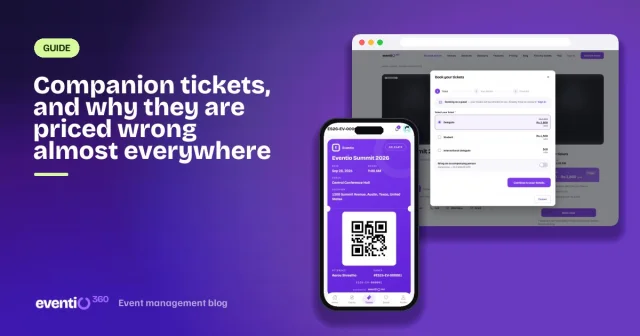
Decide your ticket types first: a standard rate, a discounted rate (students, members), and whether people can bring a companion. Add an early-bird window with a real deadline. Price each type in the currency your buyers actually use — local and international delegates can sit side by side on one event.
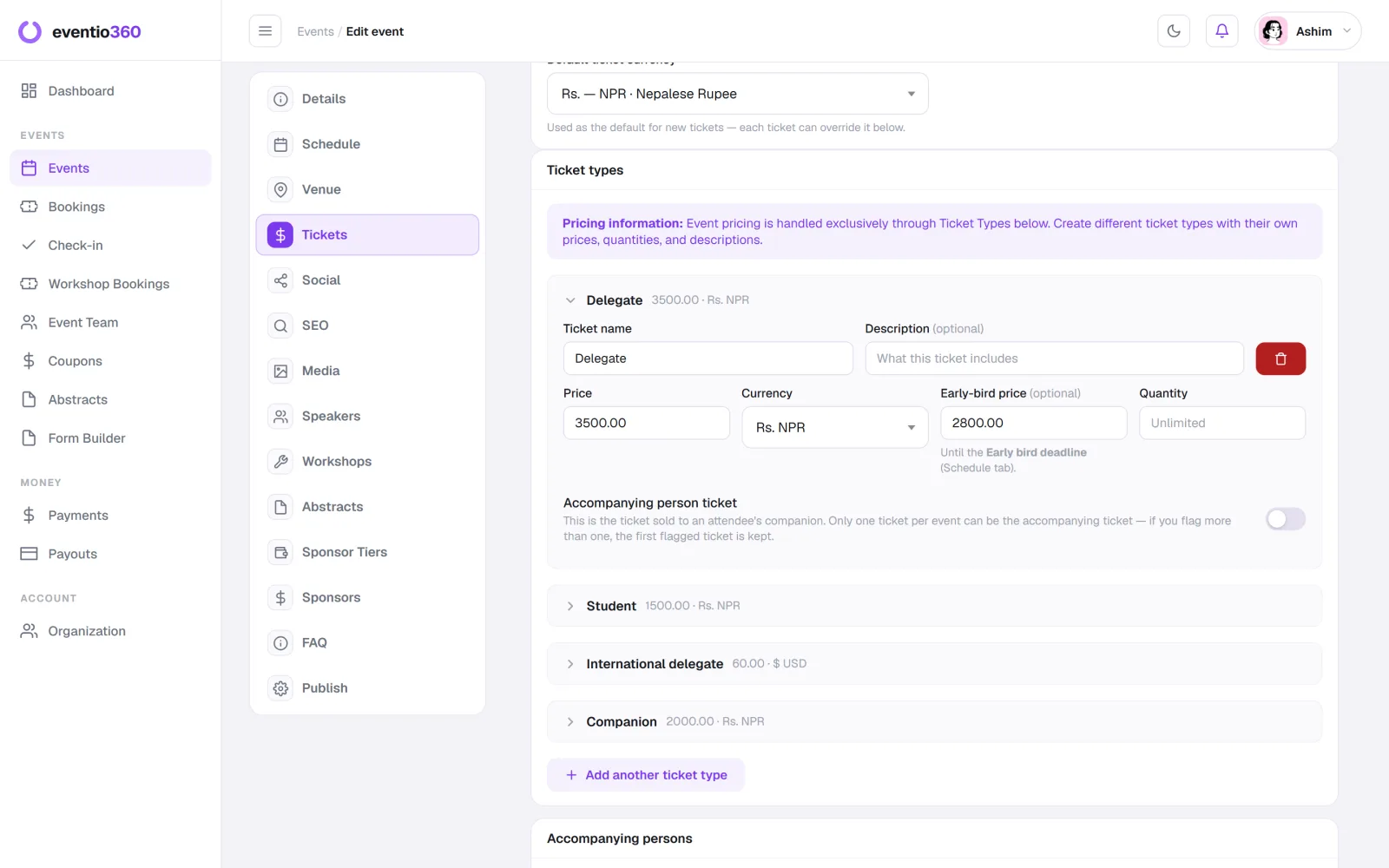
5. Write the registration form
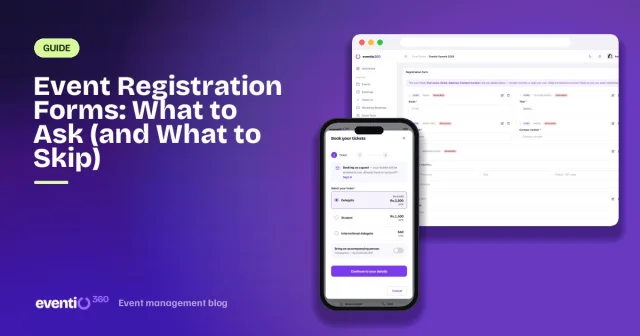
Ask only what you will use: name and email, plus whatever the day needs (dietary needs, institution, session choices). Every extra field costs you sign-ups. We wrote a whole guide on what to ask and what to skip.
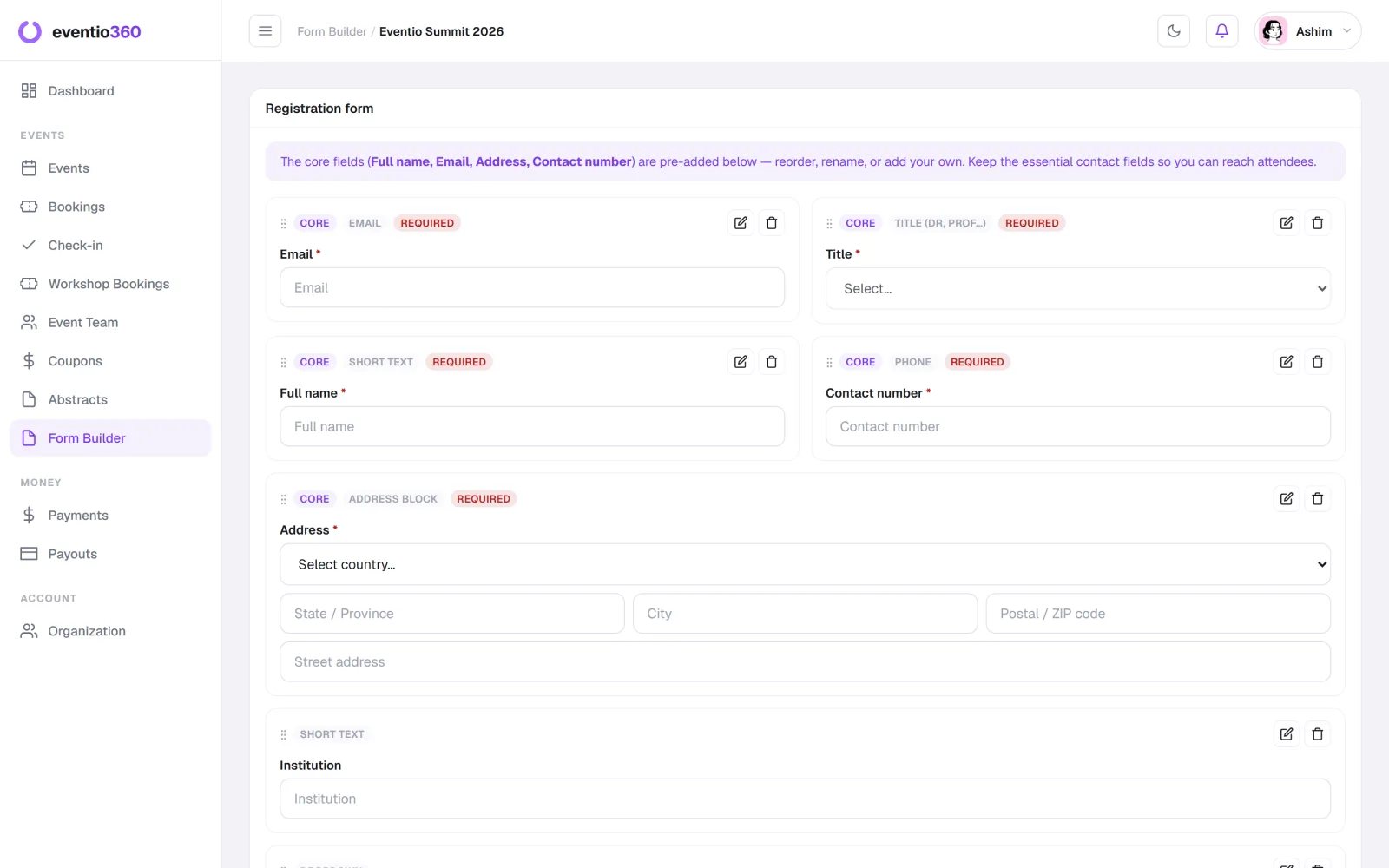
6. Publish the event page
Title, date, venue, a clear description, the programme and the ticket prices — on one page with a single obvious "Book now". This page is your storefront; see how to write an event page that sells.
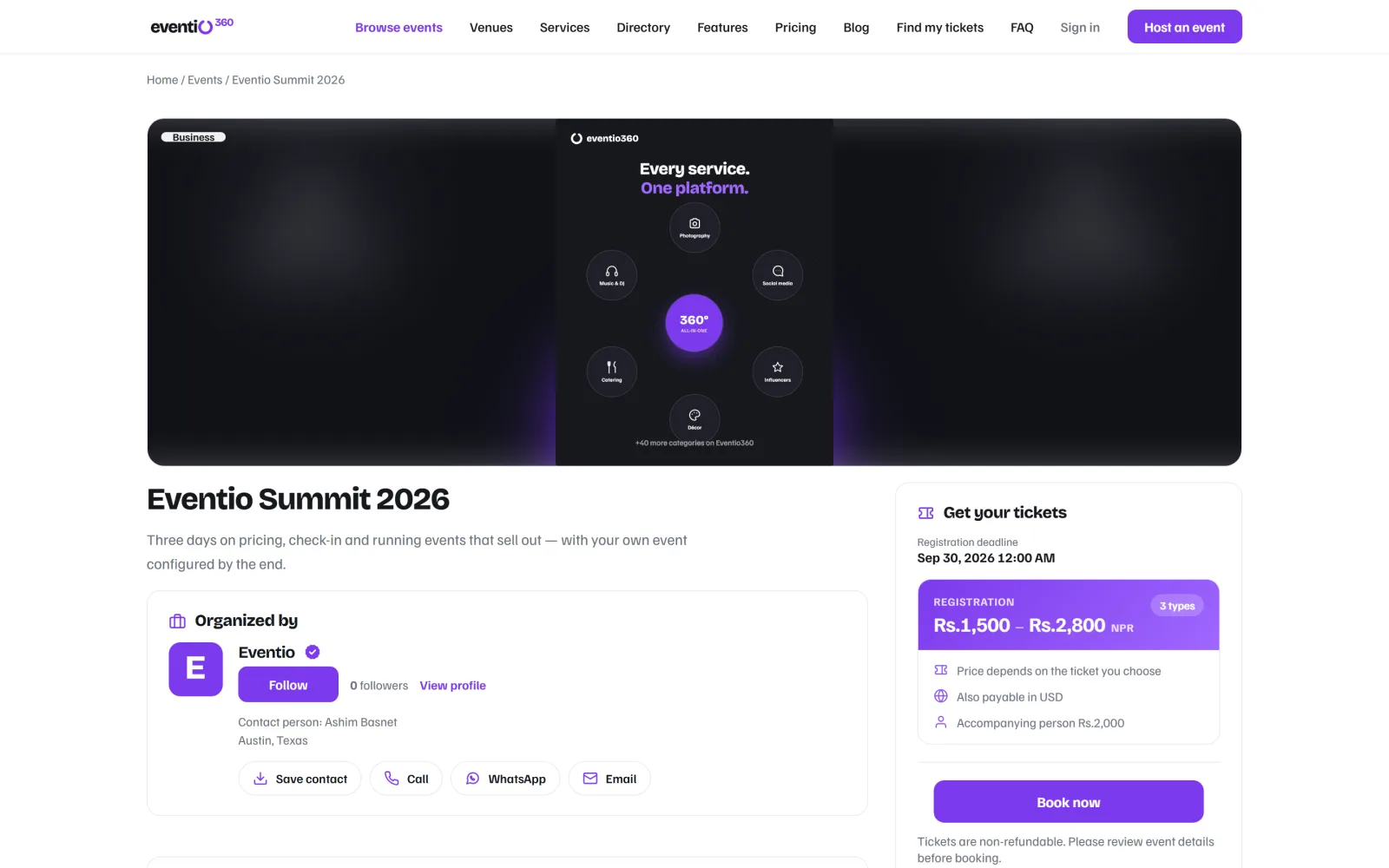
7. Promote in waves
Announce, remind at the early-bird deadline, and push again in the final two weeks, when most tickets actually sell. Your best promoters are the people who have already booked — give them something worth sharing.
8. Plan the door
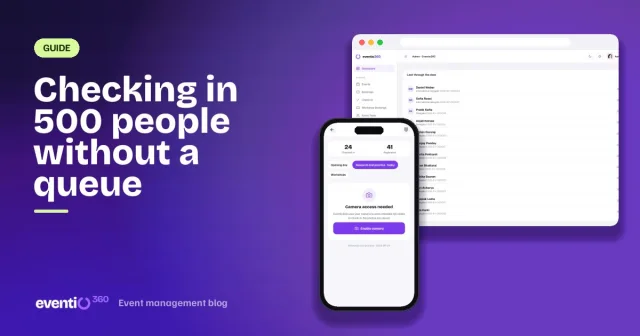
Decide how people get in: printed lists, or QR codes scanned from a phone. For multi-day events, count attendance per day. Print name badges in advance and have one person whose only job is solving problems at the entrance.
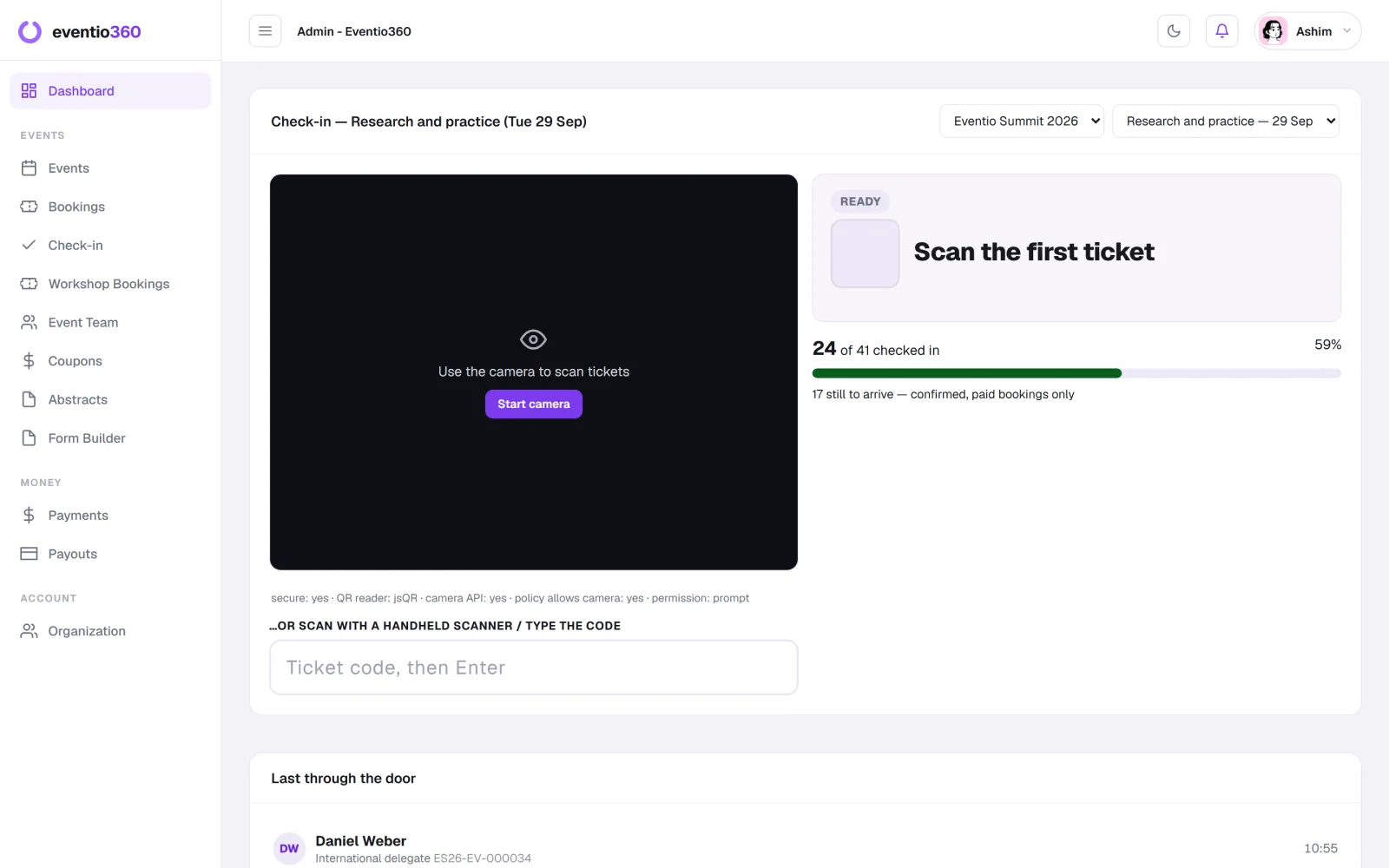
9. Follow up within 48 hours
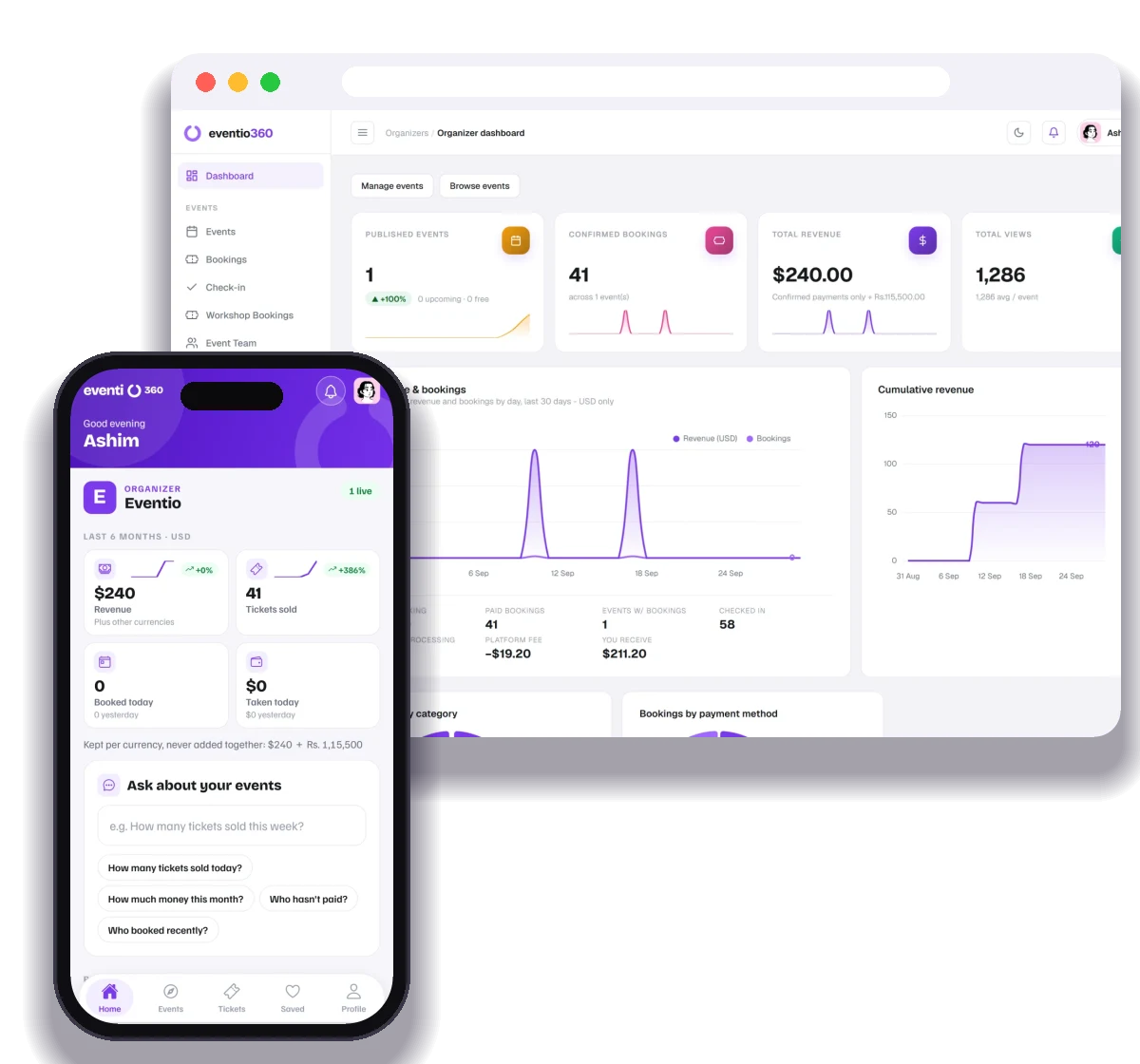
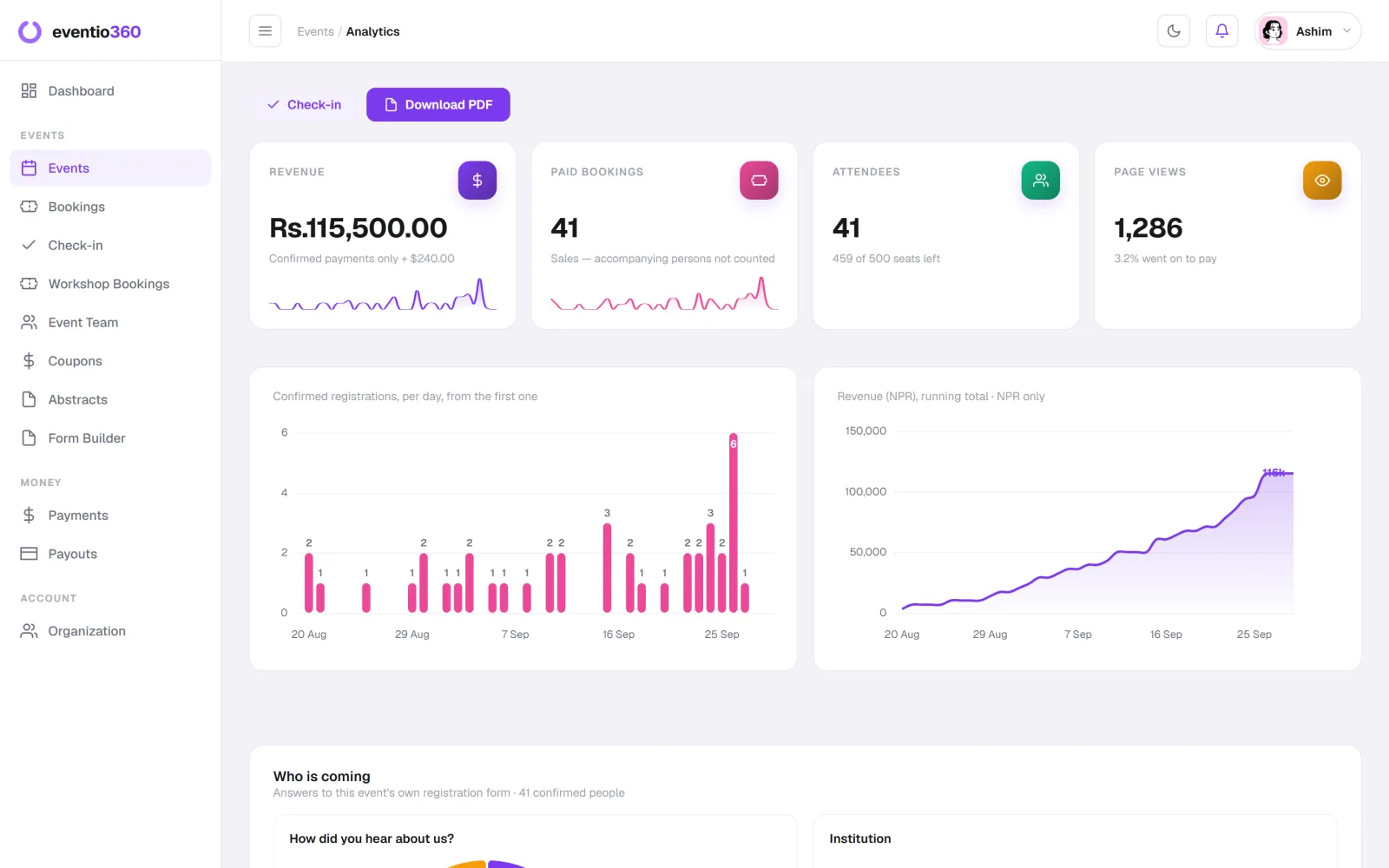
Send thanks, certificates if you promised them, and a short survey. Then look at the numbers — registrations per day, no-show rate, revenue per ticket type — while you still remember what caused them.
The short version
Goals → budget → date and venue → tickets → form → event page → promotion → door → follow-up. Skip a step and it usually comes back to find you on the day.
Eventio360 keeps the whole checklist in one place: ticket types, your own registration form, payments, QR check-in, badges, certificates and the numbers afterwards. It is free to start.
Build your own registration form, let people book as guests in a few taps, and give every attendee a page with their ticket, invoice and certificates.