After the event, everyone has an opinion about how it went. Numbers settle the argument — and tell you what to change next time. These are the metrics worth tracking.
Before the event
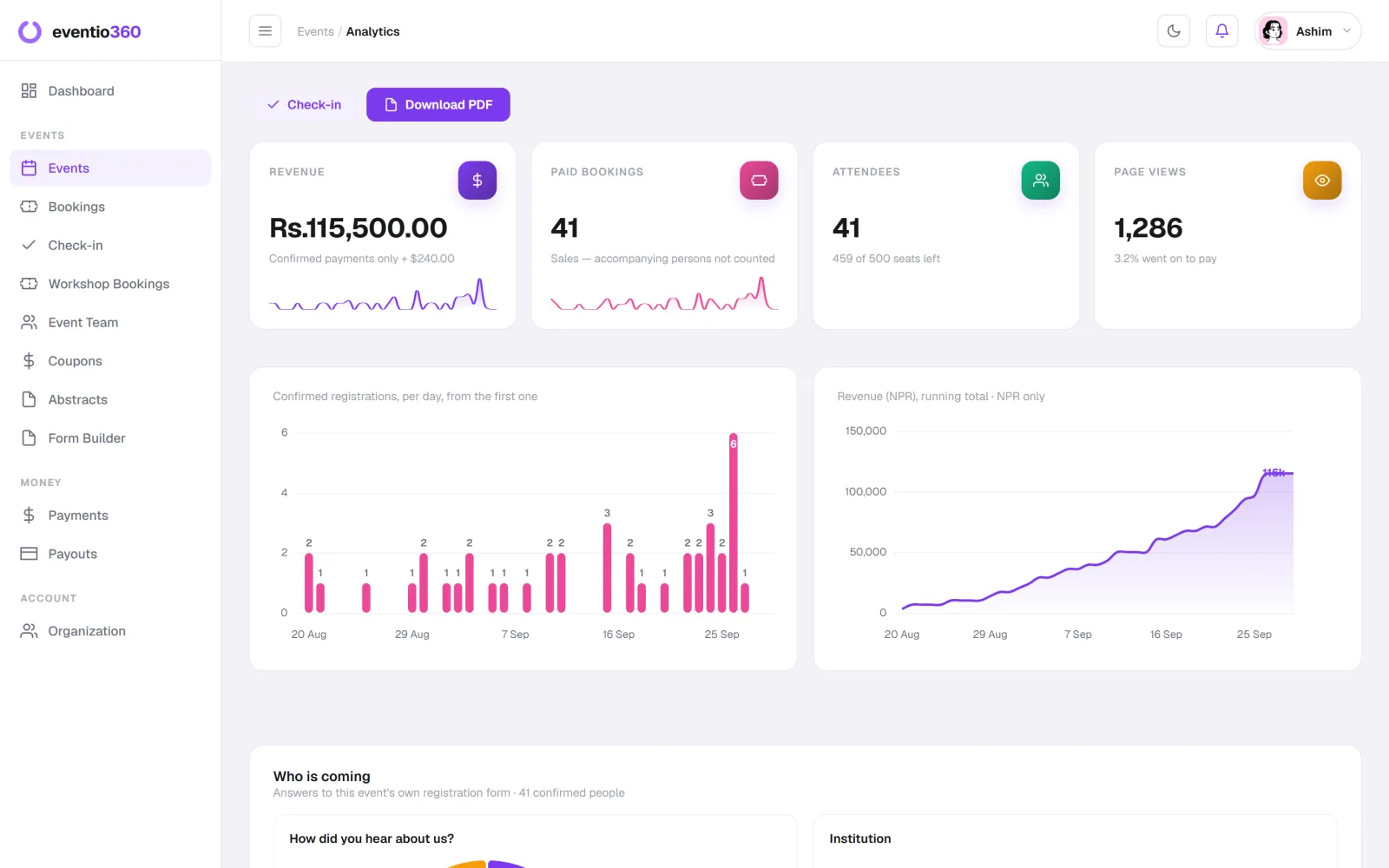
Registrations over time
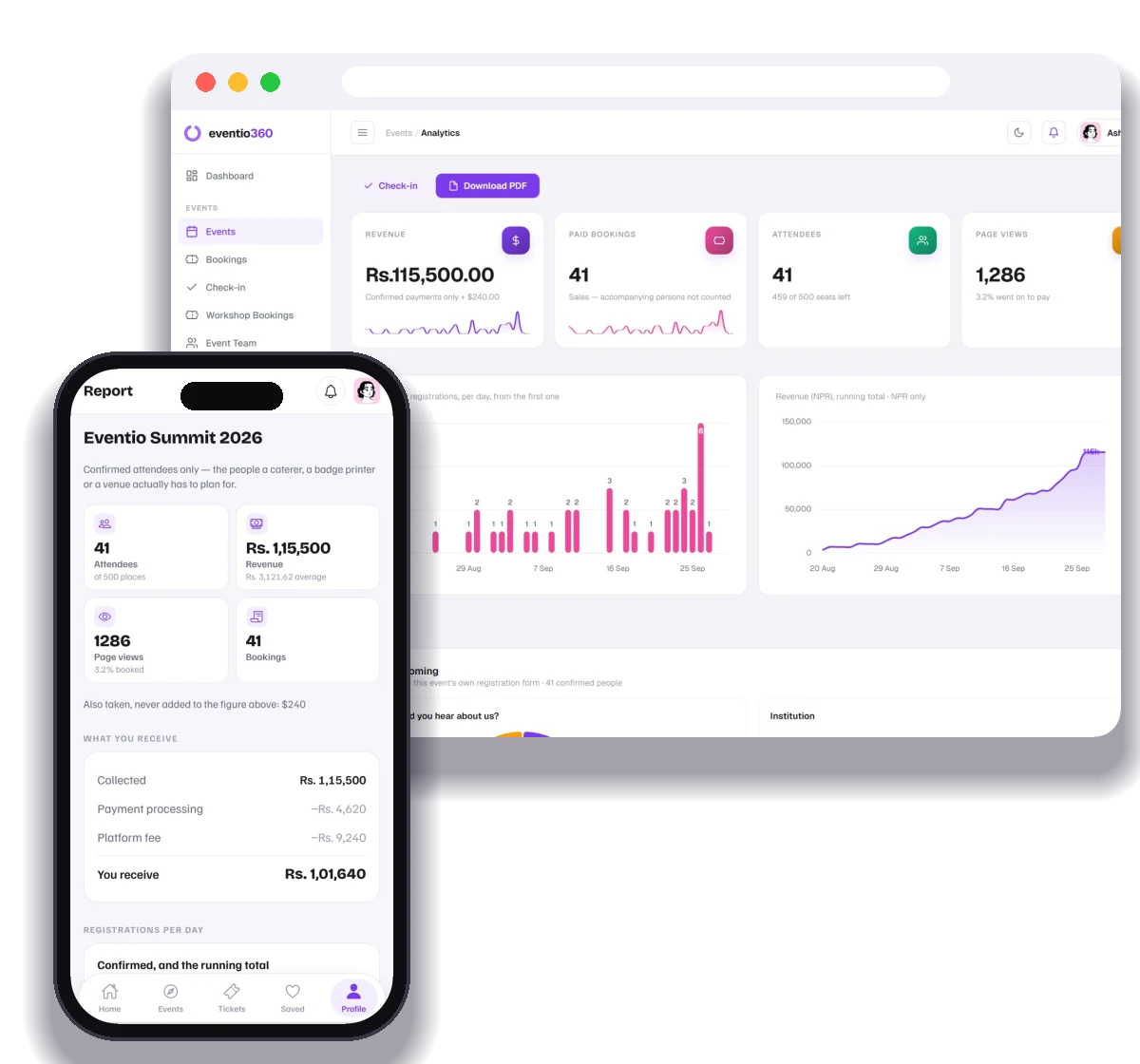
A chart of bookings per day shows which announcements worked. A spike after an email or a partner post is a channel worth repeating; a flat week is a gap in your promotion calendar.
Sales by ticket type
Which tiers sold, and which did not? A premium tier nobody buys is either over-priced or badly explained. A concession tier that sells out fast may be under-priced.
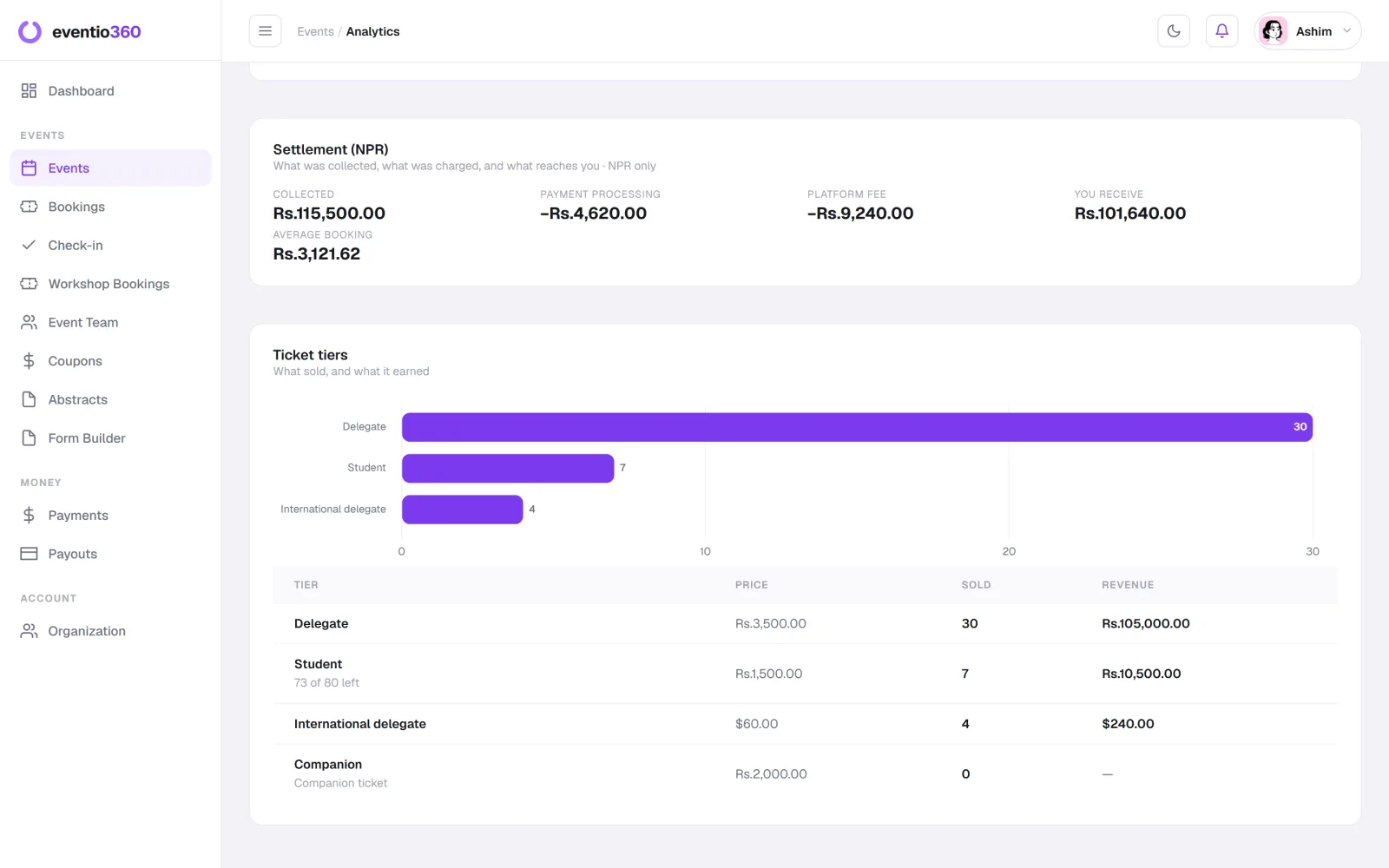
Revenue — per currency
If you sell in more than one currency, keep them separate. Adding different currencies into one total produces a confident, wrong number.
Where people heard about you
Ask on the registration form and chart the answers. It is the cheapest marketing research you will ever do.
On the day
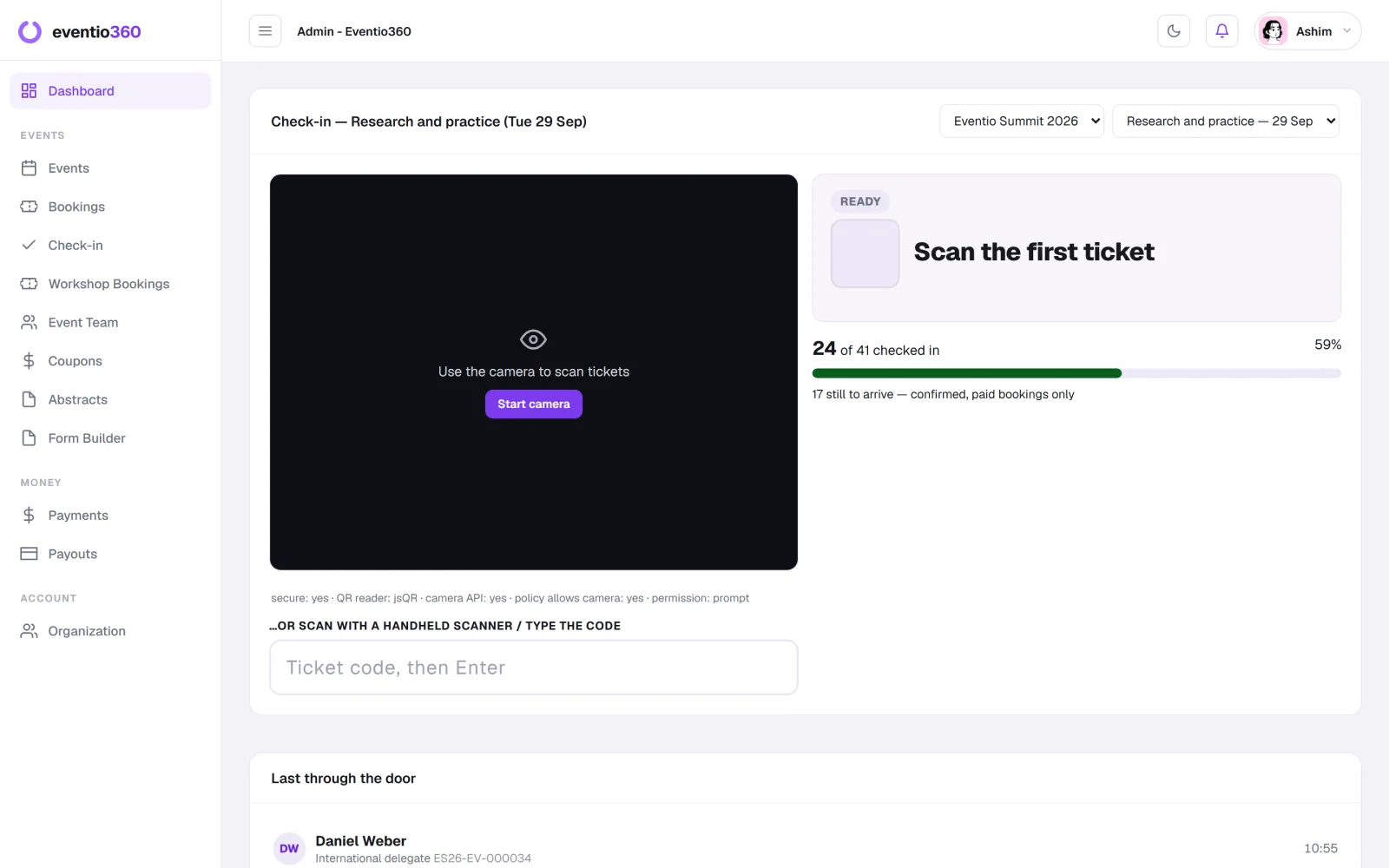
Check-in rate
Checked-in attendees divided by confirmed bookings. The gap is your no-show rate — often 20–40% for free events and far lower for paid ones.
Attendance per day
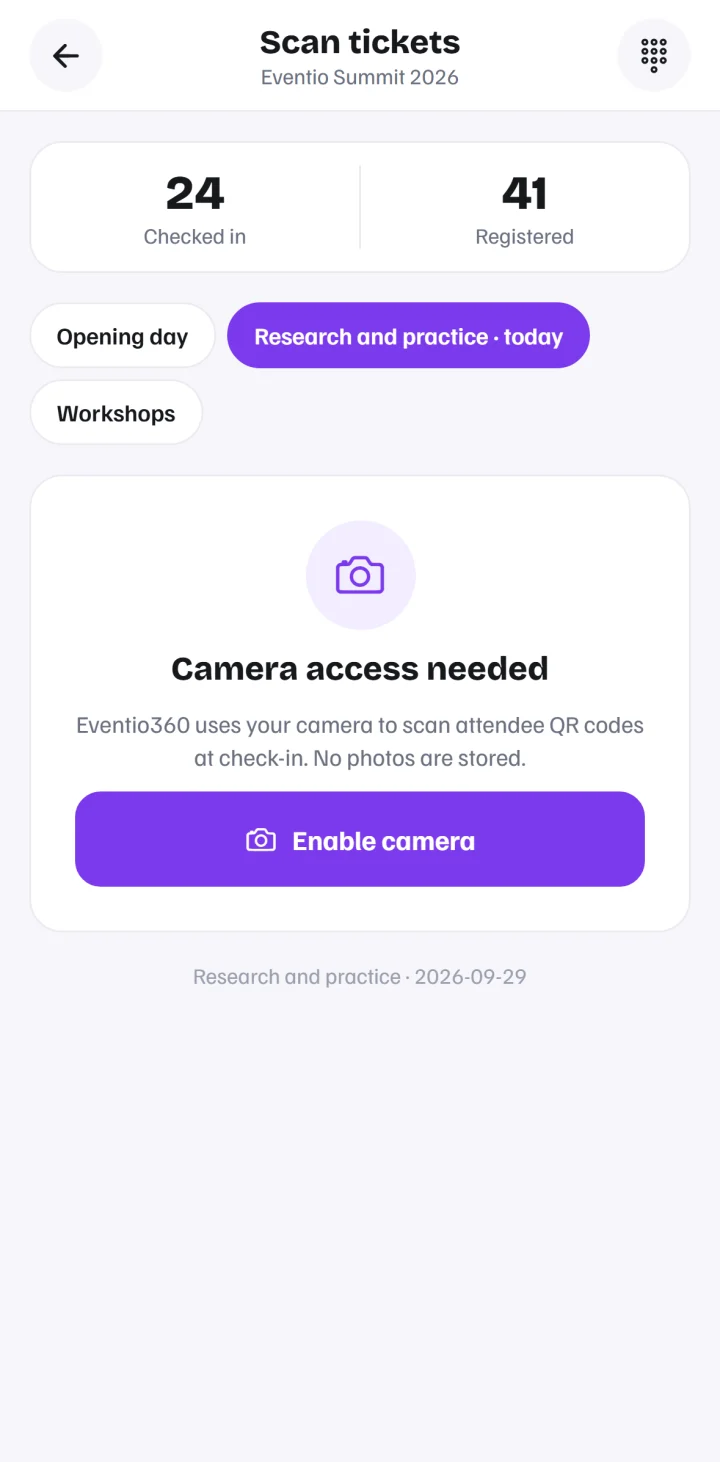
For multi-day events, count each day separately. Day-two drop-off is common and tells you about your programme.
After the event
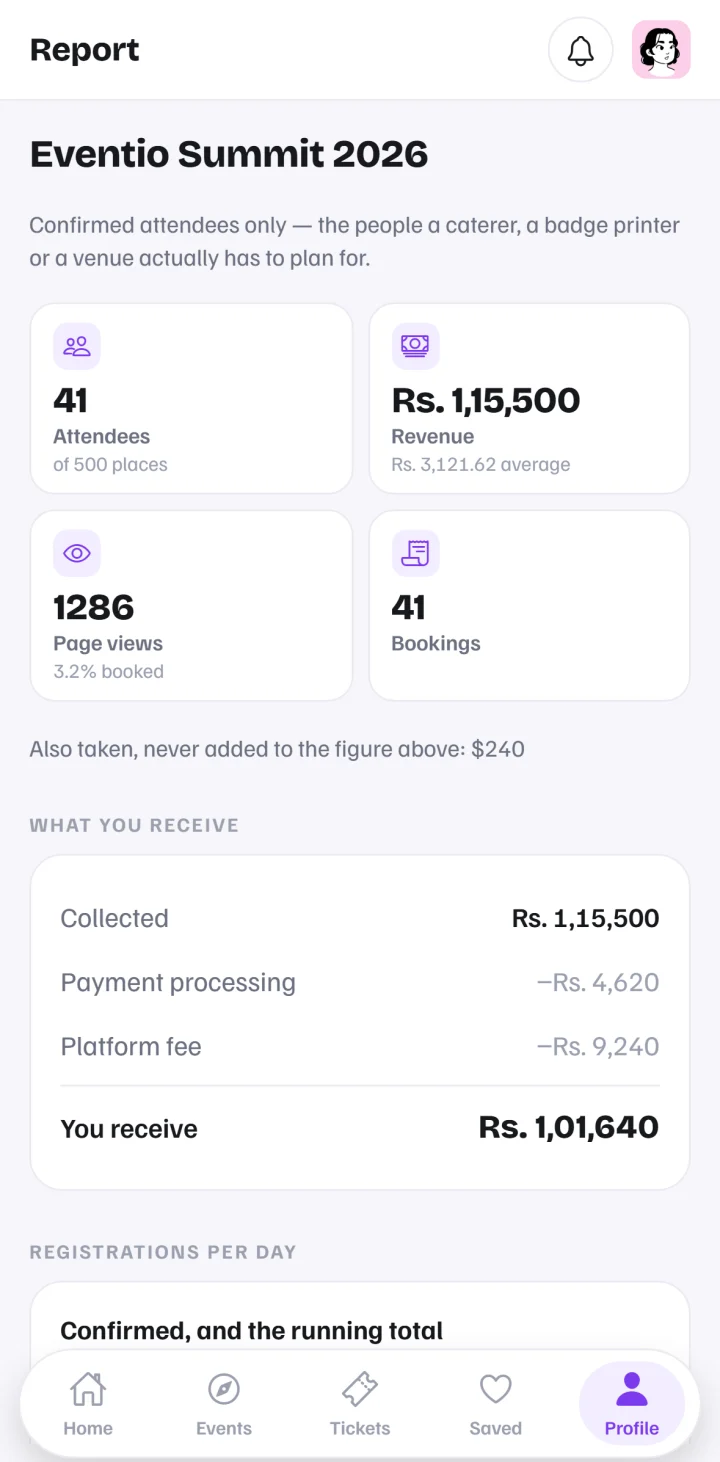
What you actually received
Revenue minus payment processing and platform fees — the number that pays your bills.
Who came
Charts from your own registration questions: institutions, roles, regions. This is what sponsors want to see next year.
Feedback
A short survey sent within two days. Ask one question that matters: would you come again, and why?
Turn metrics into decisions
- Registrations spiked after partner codes → give partners more codes.
- Premium tier did not sell → change what it includes, not just the price.
- High no-show rate → charge a small amount, or remind with something new.
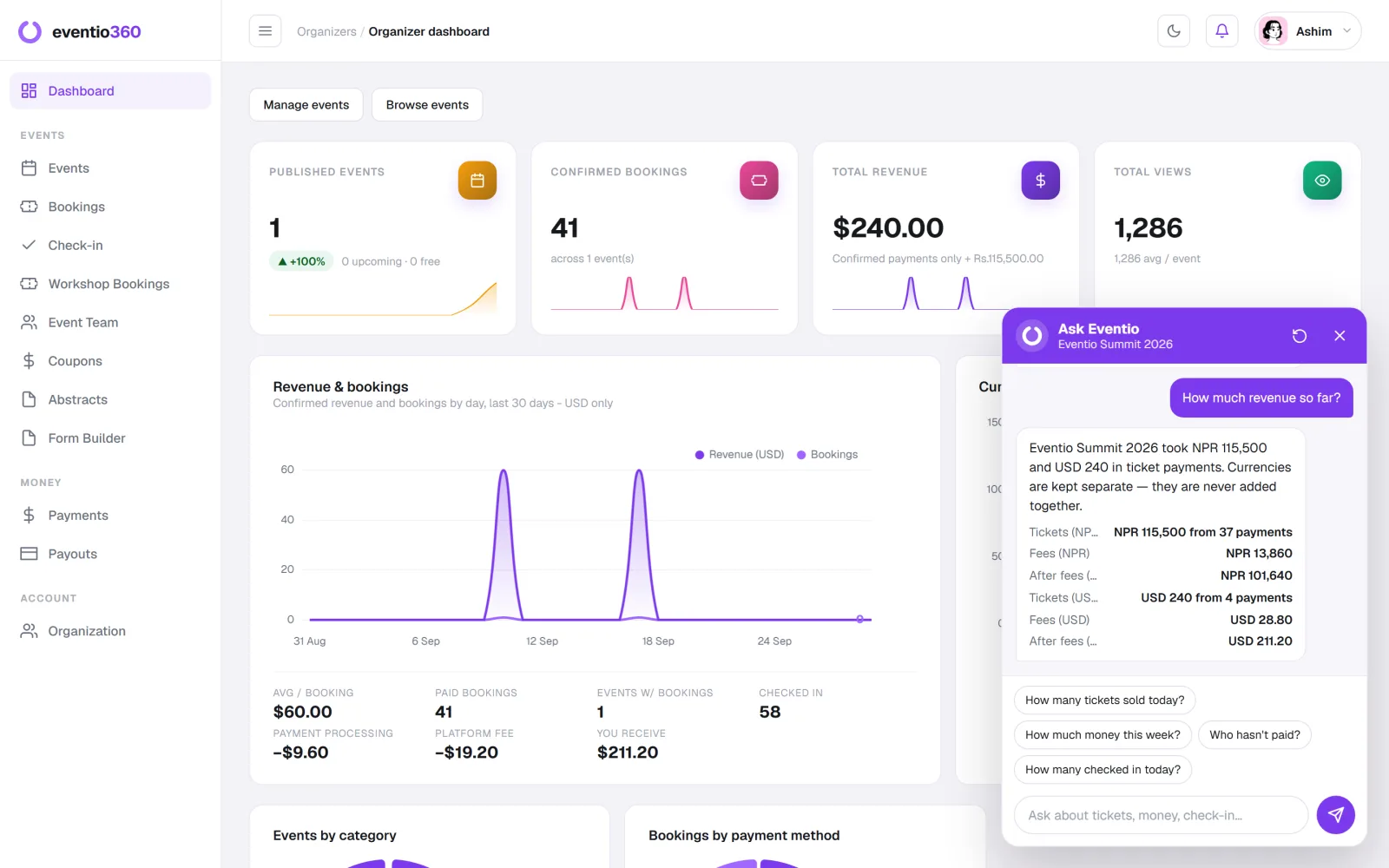
Eventio360 charts registrations per day, revenue per currency, attendance per day and your own form's answers automatically for every event — and you can simply ask "how much revenue so far?" in the dashboard.
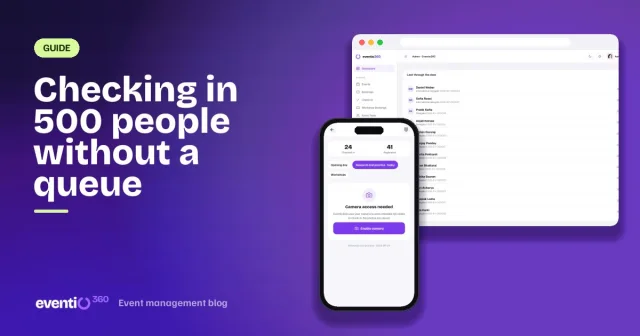
Scan tickets with any phone or laptop camera, see who has arrived as it happens, and count attendance for each day of a multi-day event.