In this article
"Starts at 9:00" is only half a time. For an in-person event in one city it rarely matters, but the moment people travel in, or join online, a missing time zone turns into empty seats at 9:00 and a crowd at 10:00.
The six US time zones
Most US events fall into one of these:
- Eastern (New York, Atlanta, Miami)
- Central (Chicago, Dallas, Austin)
- Mountain (Denver, Salt Lake City)
- Pacific (Los Angeles, Seattle, San Francisco)
- Alaska (Anchorage)
- Hawaii (Honolulu)
Write the zone next to every time you publish: "9:00 AM Central", or "9:00 AM CT". On a page that will be read in several zones, give the main ones: "12:00 PM ET / 9:00 AM PT".
Daylight saving time
Most of the US moves its clocks forward on the second Sunday in March and back on the first Sunday in November. That changes the abbreviation too: Eastern is EST in winter and EDT in summer.
Two things catch organizers out:
- Events near the switch dates. A three-day event that runs over the first Sunday in November gains an hour overnight. Check your schedule for that morning.
- Arizona and Hawaii. Most of Arizona and all of Hawaii stay on standard time all year, so their offset from other zones changes twice a year.
Online and hybrid events
For an online event, the time zone is the whole story: your attendees are everywhere. Three habits help:
- Pick one "home" zone for the event and use it everywhere: page, emails, slides.
- Add the other main zones in brackets on the event page and in reminders.
- Send a calendar invite, so each attendee's calendar converts the time for them.
Calendar invites are the safety net
A calendar file (.ics) stores the start time as an exact moment in time. When an attendee in Seattle adds an event that starts at 12:00 PM Eastern, their calendar shows 9:00 AM. That one tap prevents most time-zone mistakes, so make "Add to calendar" easy to find on the ticket and in the confirmation email.
Multi-day and multi-city schedules
For a conference, list every session in the event's local time and say so once at the top of the agenda: "All times Central". For a series that tours several cities, give each city its own event, so each page shows its own local time.
How this works in Eventio360
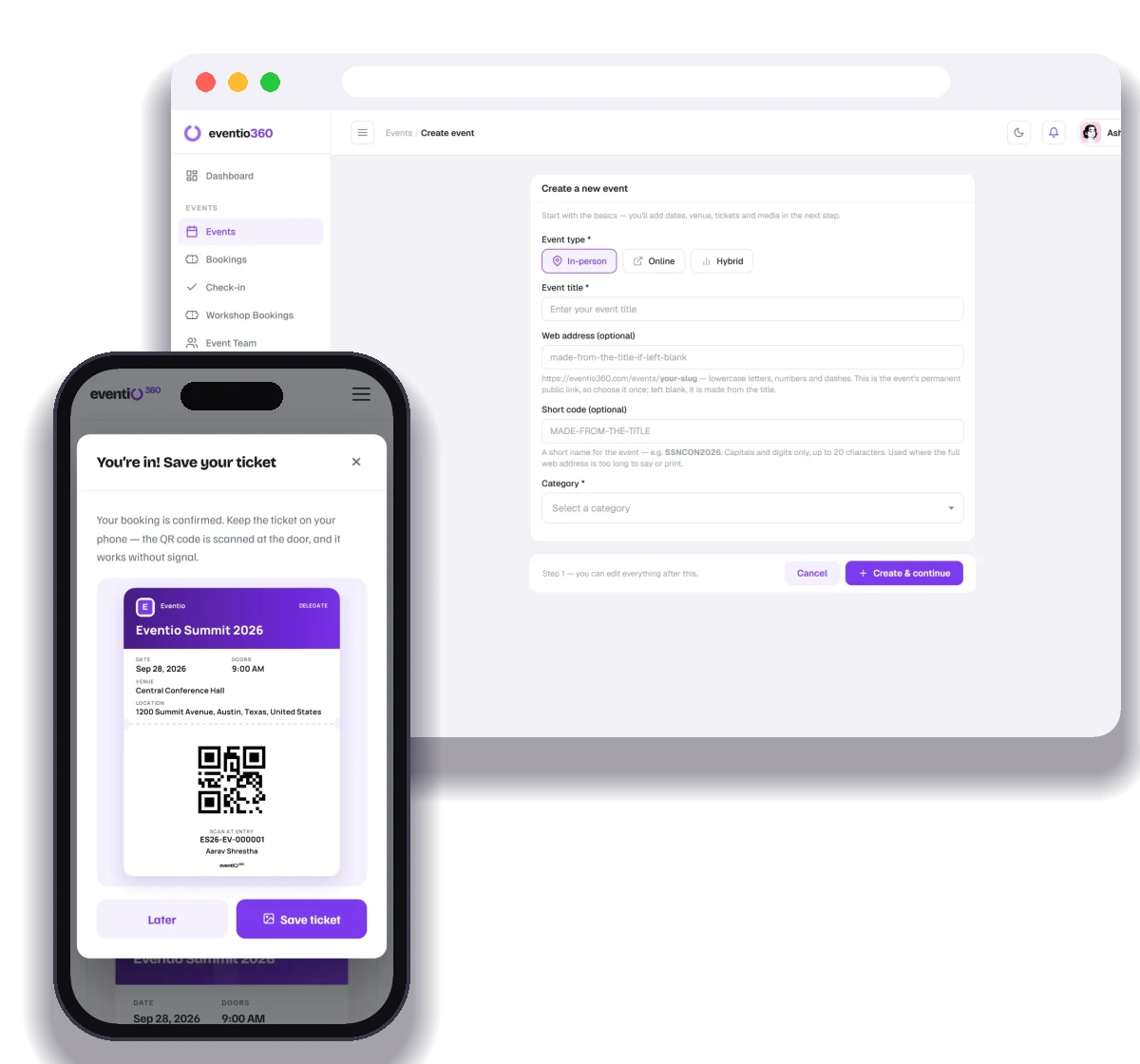
Each event has its own time zone, chosen when you create it, including Eastern, Central, Mountain, Pacific, Arizona, Alaska and Hawaii. The event page shows times with that zone, with daylight saving applied for the event's date, and "Add to calendar" saves the exact moment, so attendees see it in their own local time.
Registration, ticketing, payments from anywhere, QR check-in, badges, certificates and analytics — free to start.