In this article
Selling tickets online in the US comes down to a few decisions: what you sell, what it costs, who pays the fees, and how the money reaches your bank account. Make them in this order and the rest of the setup takes minutes.
1. Decide your ticket types
Start with the people coming, not the price. A conference might need General, Student and VIP. A gala might need Individual and Couple. A workshop series might need one ticket per session.
Keep the list short. Every extra ticket type is one more choice standing between a visitor and the checkout button. Three is plenty for most events.
2. Price in US dollars
If your attendees are in the US, price in USD. A price in another currency makes people do arithmetic before they buy, and some will not.
Two pricing tools are worth setting up from day one:
- Early-bird pricing: a lower price until a date you choose. It gives people a reason to book now rather than "later", which often means never.
- Discount codes: for partners, members or speakers' guests, so you can offer a lower price to a group without publishing it.
3. Decide who pays the processing fee
Every card payment has a processing cost. You have two honest options:
- Absorb it: the ticket price is the price. Simpler for buyers, a little less for you.
- Pass it on: the fee is added at checkout and shown before the attendee pays.
Neither is wrong. For low-priced community events, absorbing it usually feels better to attendees. For higher-priced conferences, passing it on is common and rarely questioned.
4. Check whether admissions are taxed where you are
Some US states and cities tax admission charges to events, and the rules vary by state, by type of event and by organizer. Before you set prices, check with your state's department of revenue or your accountant, so you know whether your ticket price needs to include tax.
5. Set a capacity and a deadline
Put a cap on each ticket type that matches your venue and catering, and a registration deadline that gives you time to print badges and confirm numbers. When a ticket type sells out, it closes on its own: no overselling, no awkward emails.
6. Make checkout quick
The fewer steps between "I'm interested" and "I'm booked", the more people book. In practice:
- Let people buy without creating an account.
- Accept cards. Many people will not create a PayPal account just to buy a ticket, so a card option matters.
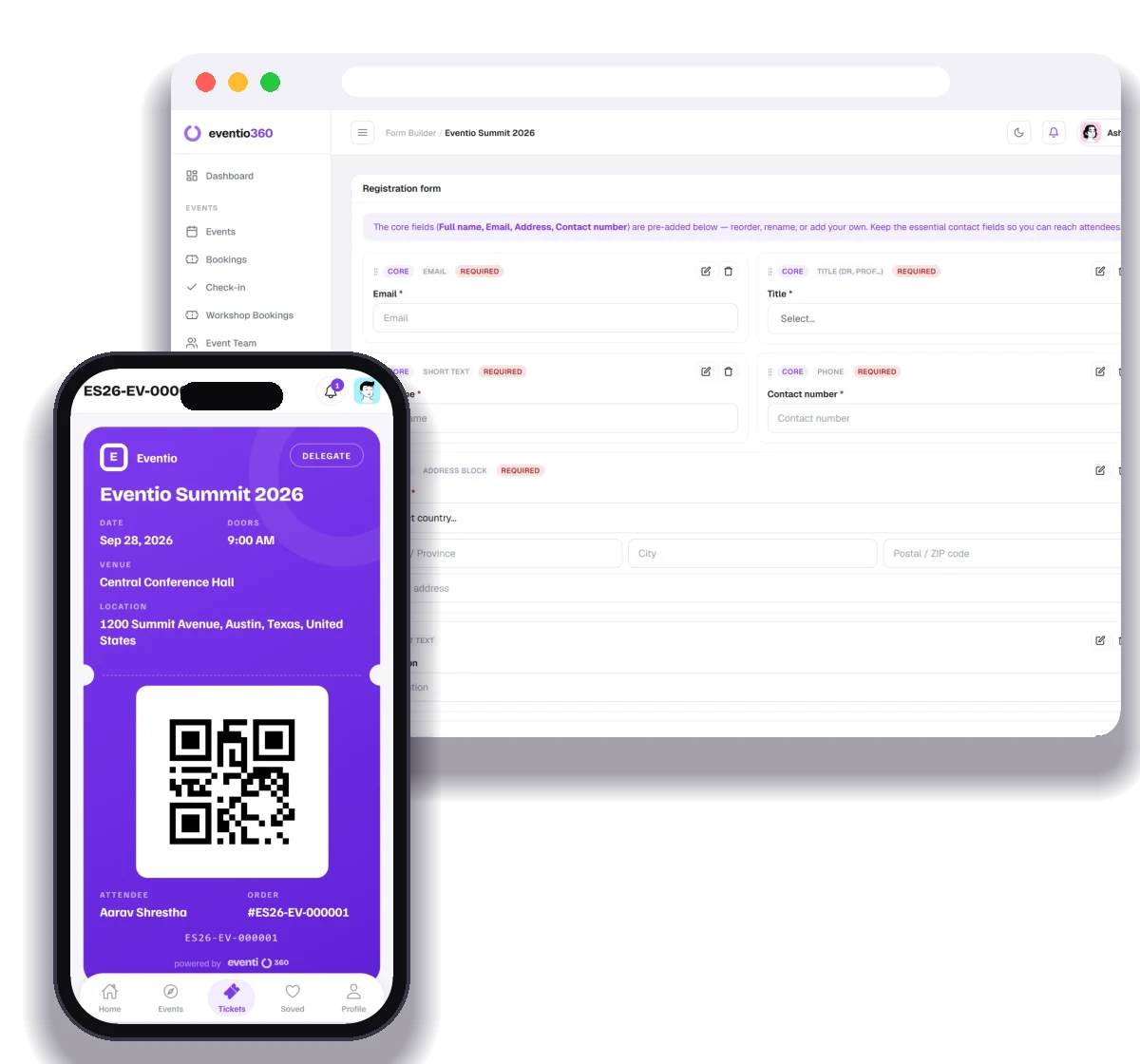
- Email the ticket straight away, with a QR code they can show at the door.
7. Get paid
With most platforms, ticket revenue builds up as a balance, and you request a payout to your bank account. Before your event, check when payouts can be requested and what is deducted, so you can plan for venue deposits and supplier payments.
How this works in Eventio360
Each ticket type has its own currency, so you can price in USD. Attendees pay by card or with a PayPal account at PayPal's checkout, without creating an account with us, and their ticket is emailed straight away. You can choose to pass the processing fee on, set early-bird prices and discount codes, cap each ticket type, and request a payout whenever there is a balance. There is no monthly fee; the Pricing page shows the fee on paid tickets.
Registration, ticketing, payments from anywhere, QR check-in, badges, certificates and analytics — free to start.