In this article
Payment is where interested visitors turn into attendees — or give up. A good checkout feels like nothing at all. Here is how to set one up.
Offer the options your attendees already use
People pay the way they are used to. At home that is often a local banking app or wallet; delegates travelling from abroad usually expect an international card. Offer both on one checkout, and let the attendee choose.
Price each ticket in the right currency
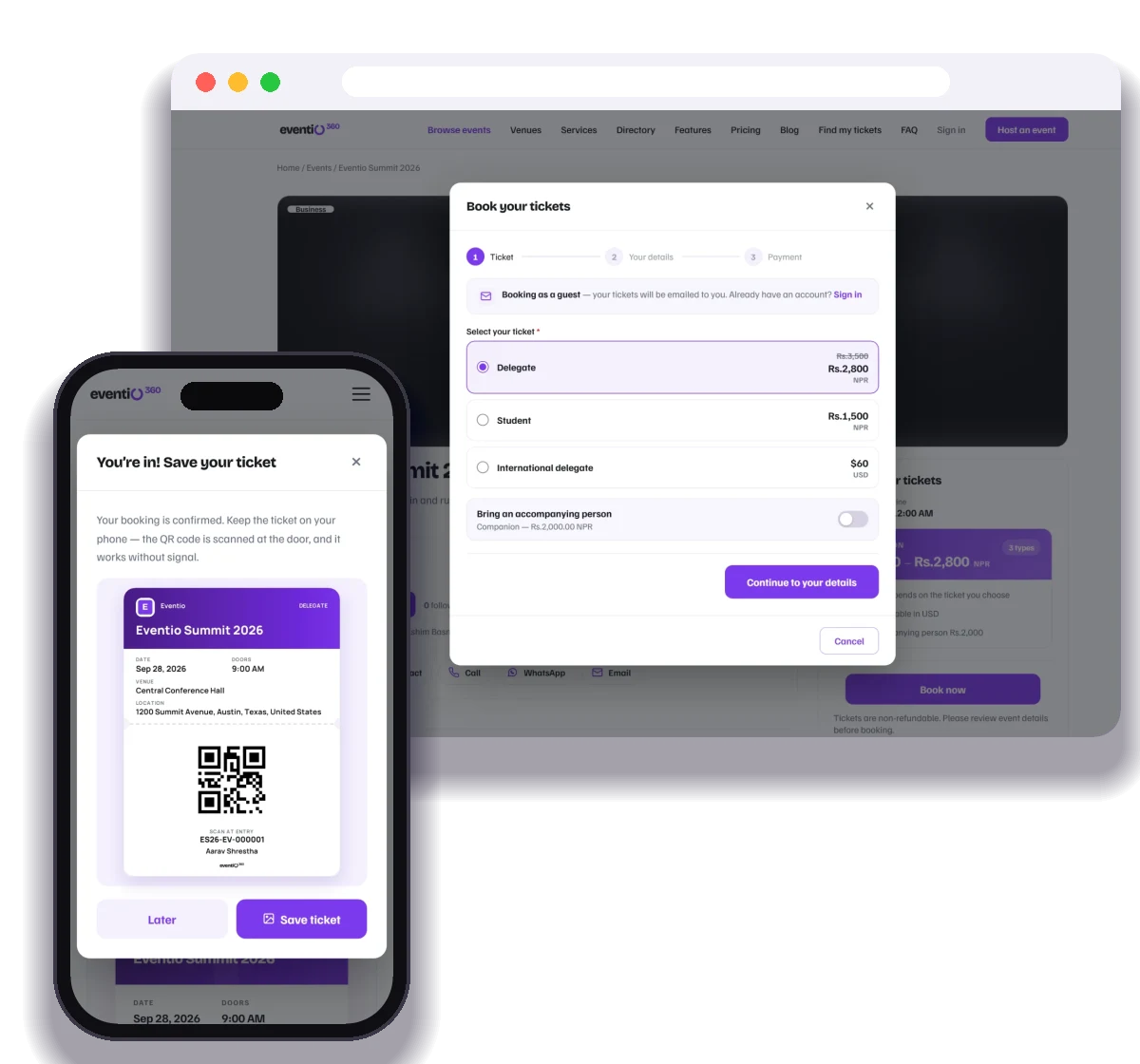
If you have international attendees, give them a ticket priced in a currency they recognise. A local tier and an international tier can sit side by side on the same event — each settled in its own currency.
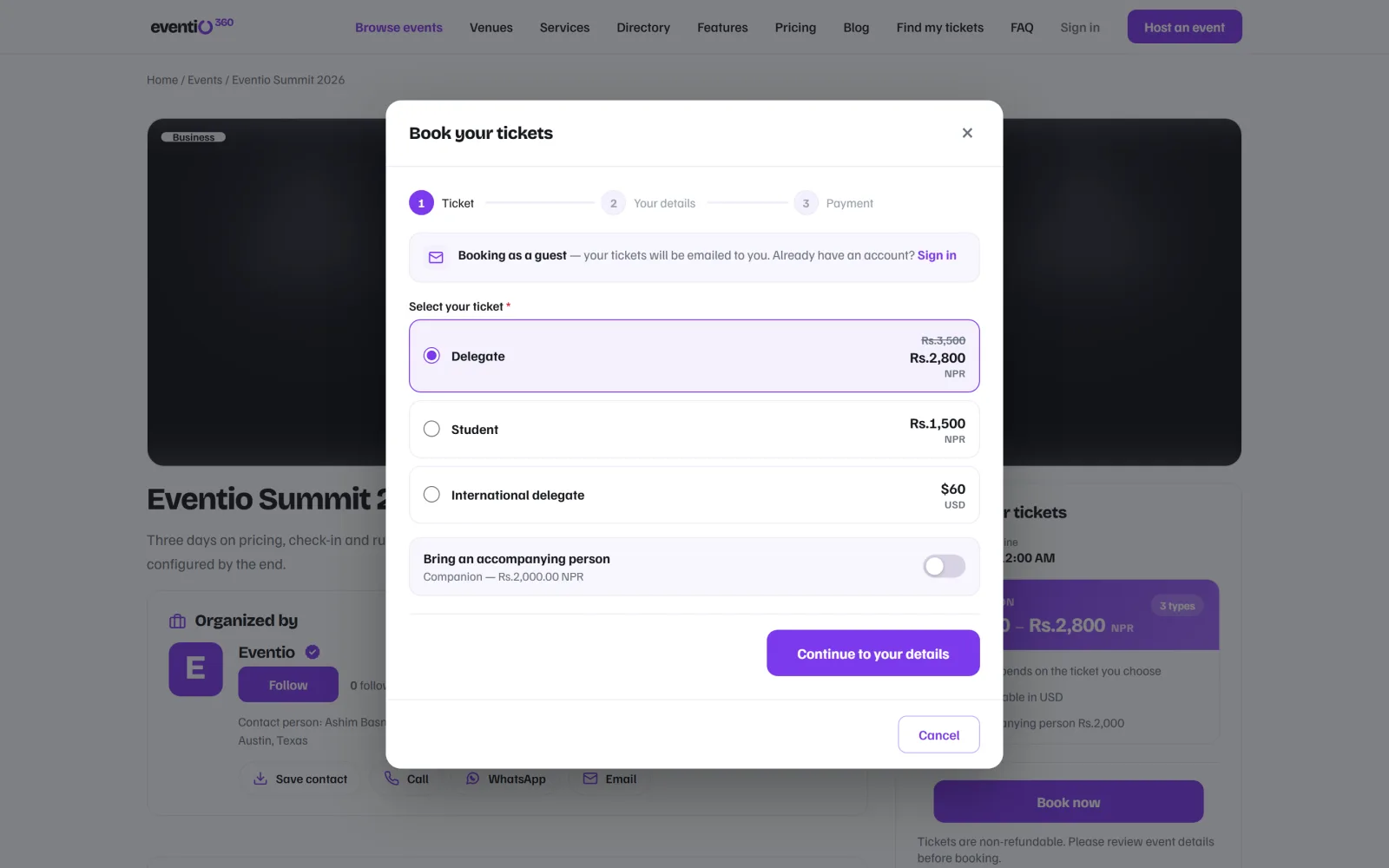
Keep the checkout short
- Let people pay as guests; do not force an account.
- Ask for payment after the essentials, not before.
- Make it work on a phone — most bookings happen on one.
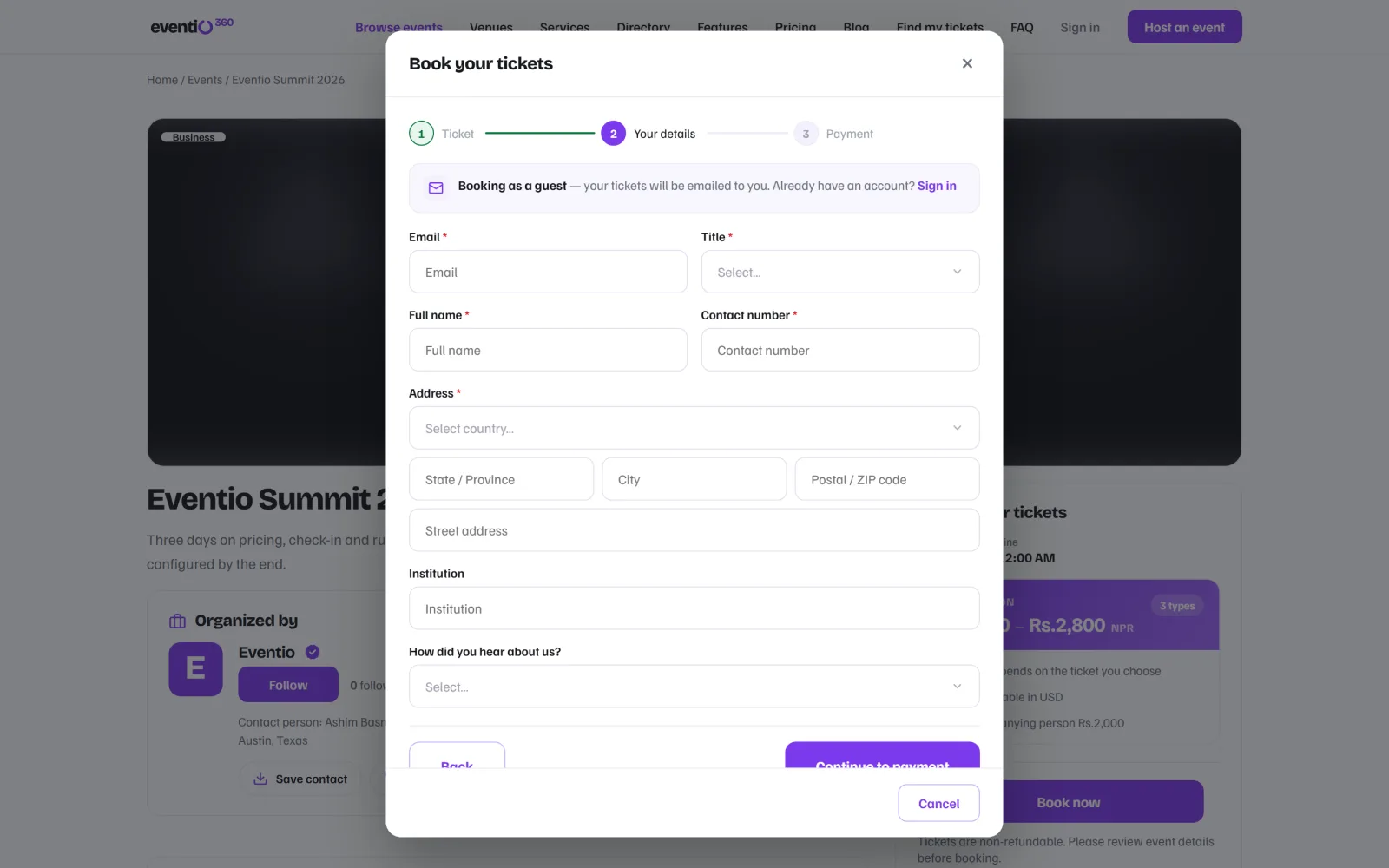
Decide who pays the processing fee
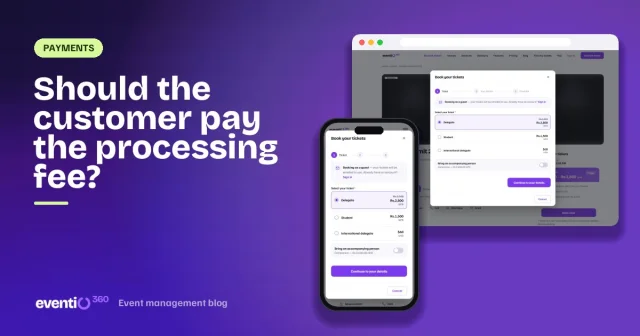
Either you absorb it, or you pass it to the attendee as a clearly shown line. Both are fine; surprises at the last step are not. More in should the customer pay the processing fee?
Plan for unfinished payments
Phones switch apps, pages reload, people get interrupted. The booking should wait for them, and they should get a link to finish paying — rather than booking a second time.
Confirm before you issue the ticket
A ticket is proof of admission. Release it once the payment is confirmed, and send it by email straight away — with the invoice.
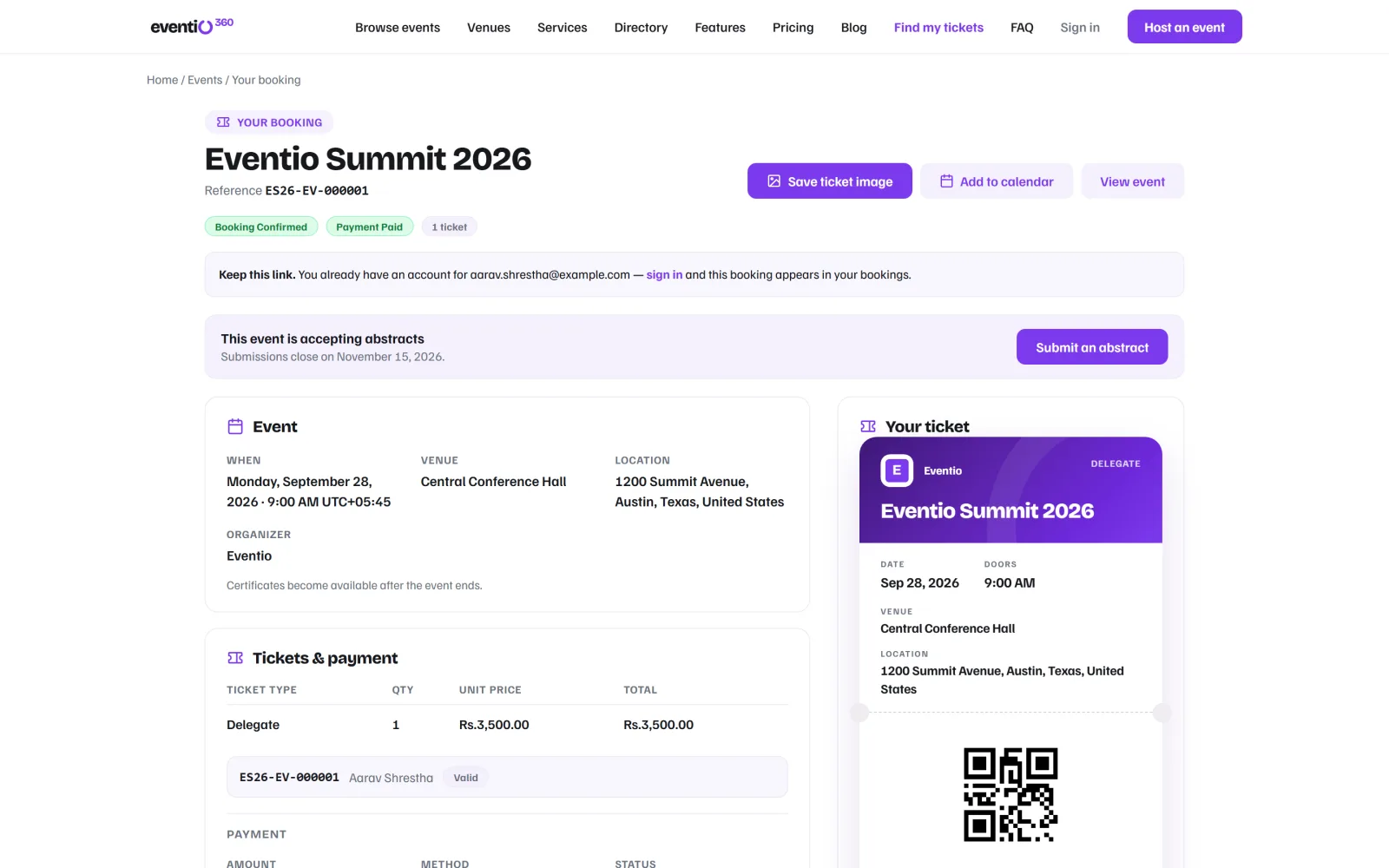
Know how you get paid
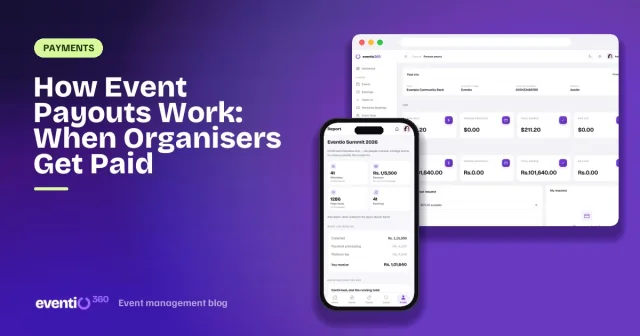
Understand when collected payments reach your bank account, and what fees are deducted along the way. See how event payouts work.
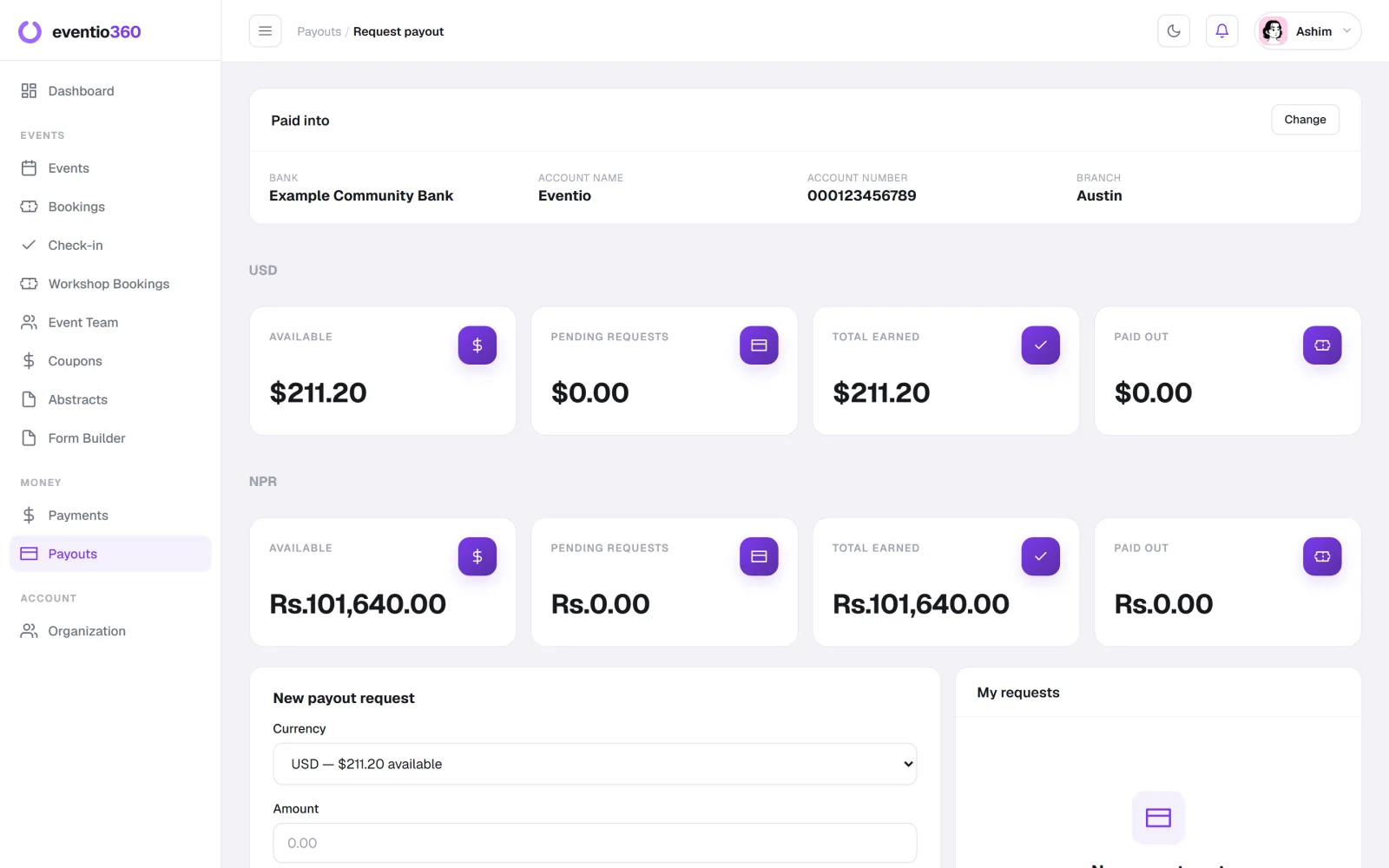
Checklist
- Local and international payment options on one checkout
- Ticket types priced in the right currency
- Guest checkout that works on a phone
- A clear decision on processing fees
- Unfinished payments that can be resumed
- Tickets and invoices sent automatically
Eventio360 handles all of it: payments from local and international attendees, a currency per ticket type, resumable payments, automatic tickets and invoices, and payouts to your bank account. See pricing.
Sell tickets online with as many ticket types as you need — each with its own price, currency, early-bird price and limit — and mobile tickets that scan at the door.