In this article
When someone buys a ticket, the money does not go straight from their account to yours. Understanding the steps in between helps you plan cash flow — and answer attendees who ask "did my payment go through?"
1. The attendee pays
The attendee pays at checkout with whichever option suits them. The payment is recorded against their booking immediately, so there is always a record of every attempt — successful or not.
2. The payment is confirmed
Only a confirmed payment releases the ticket. If a payment is still pending, the booking waits and the attendee can finish paying later; nobody gets a ticket for money that never arrived.
3. Fees are calculated per booking
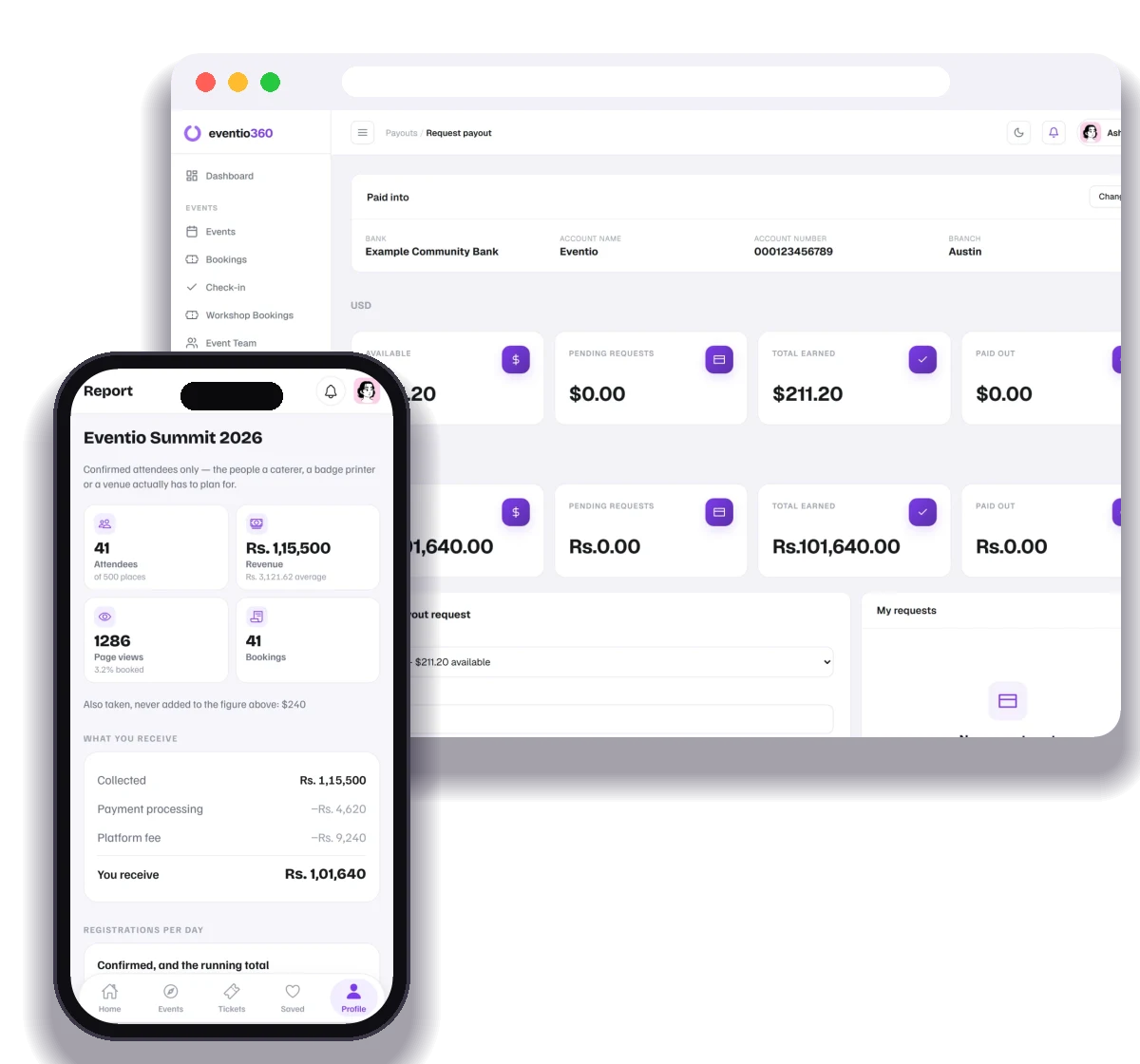
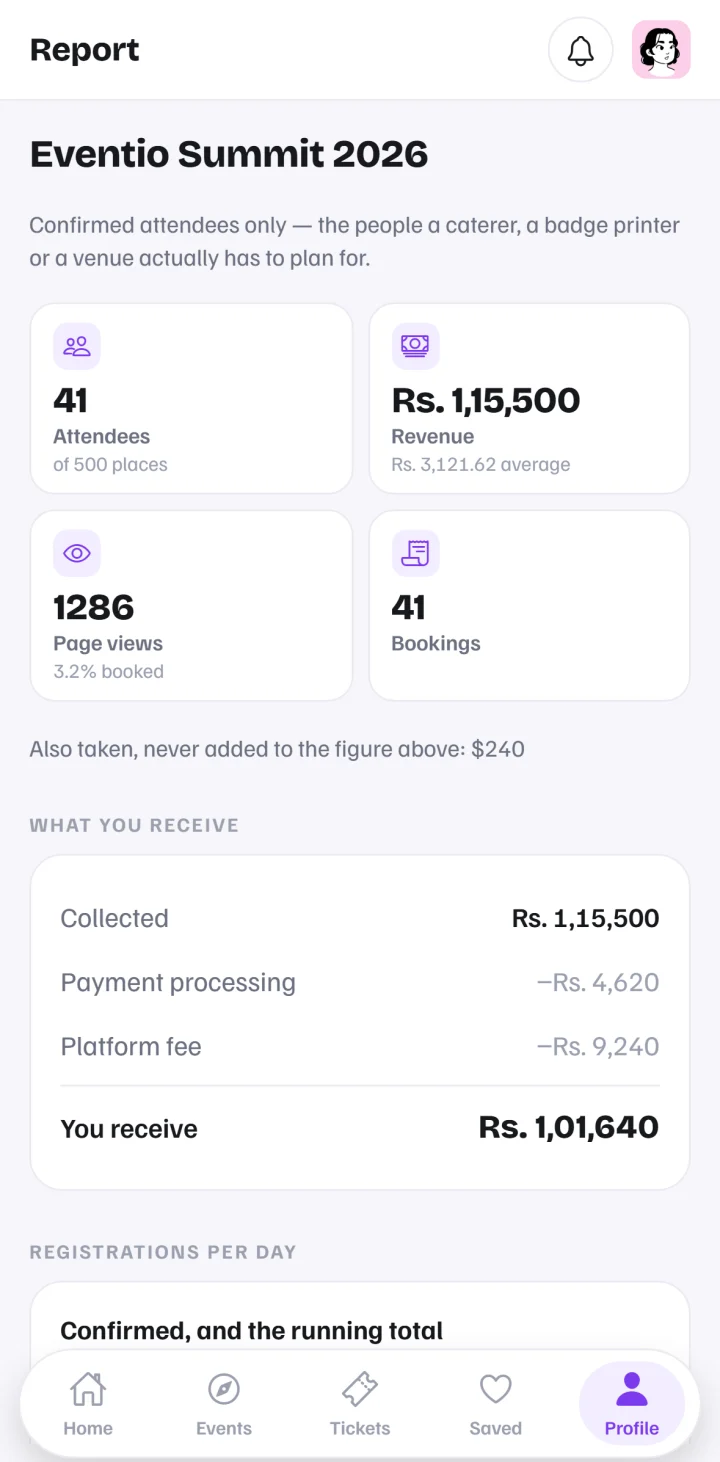
Two kinds of cost usually apply: payment processing (charged by the payment network) and a platform fee (for the ticketing service). They are worked out per booking, so you can see exactly what each ticket earned. You can absorb them or pass them to the attendee.
4. Your balance builds up
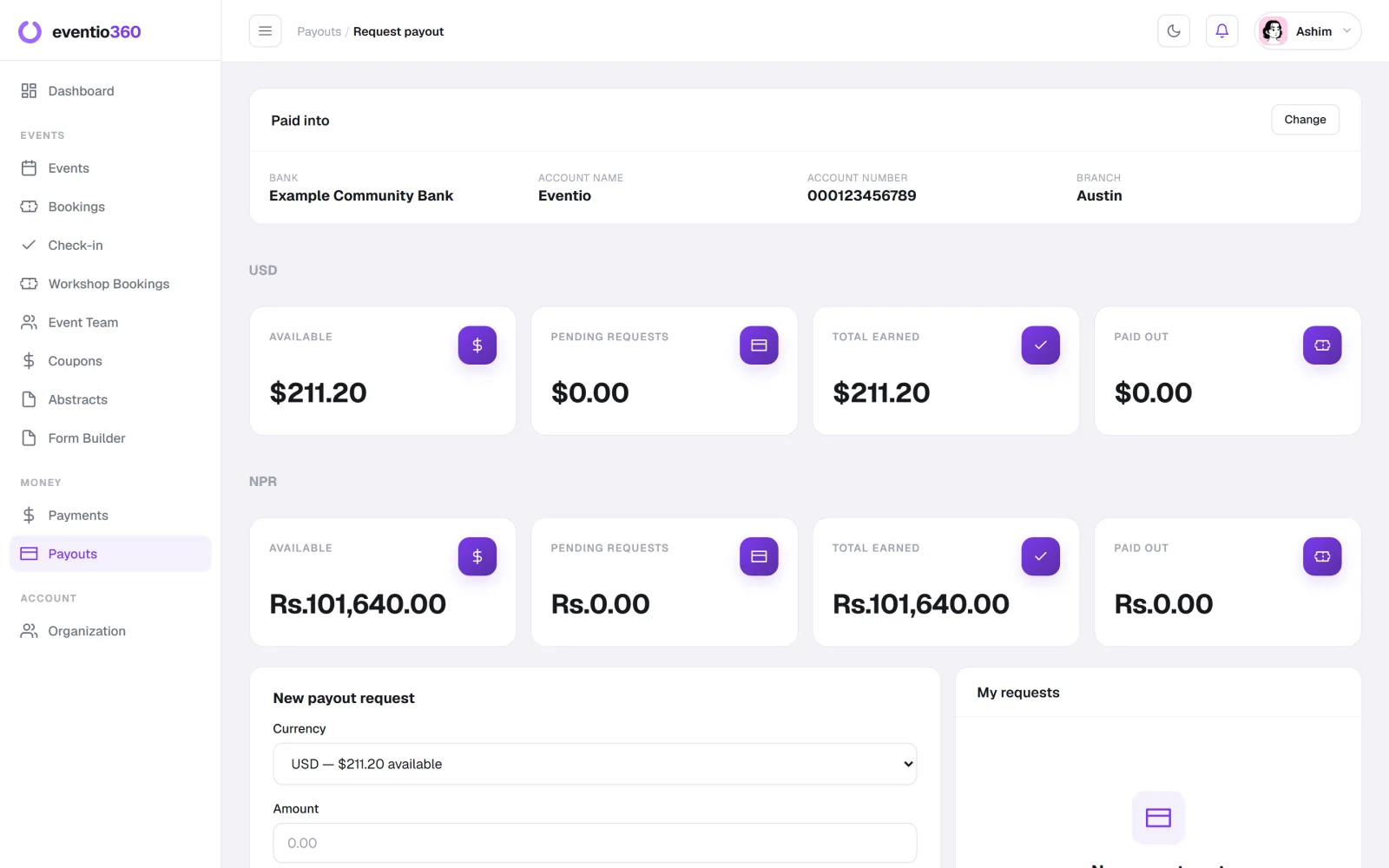
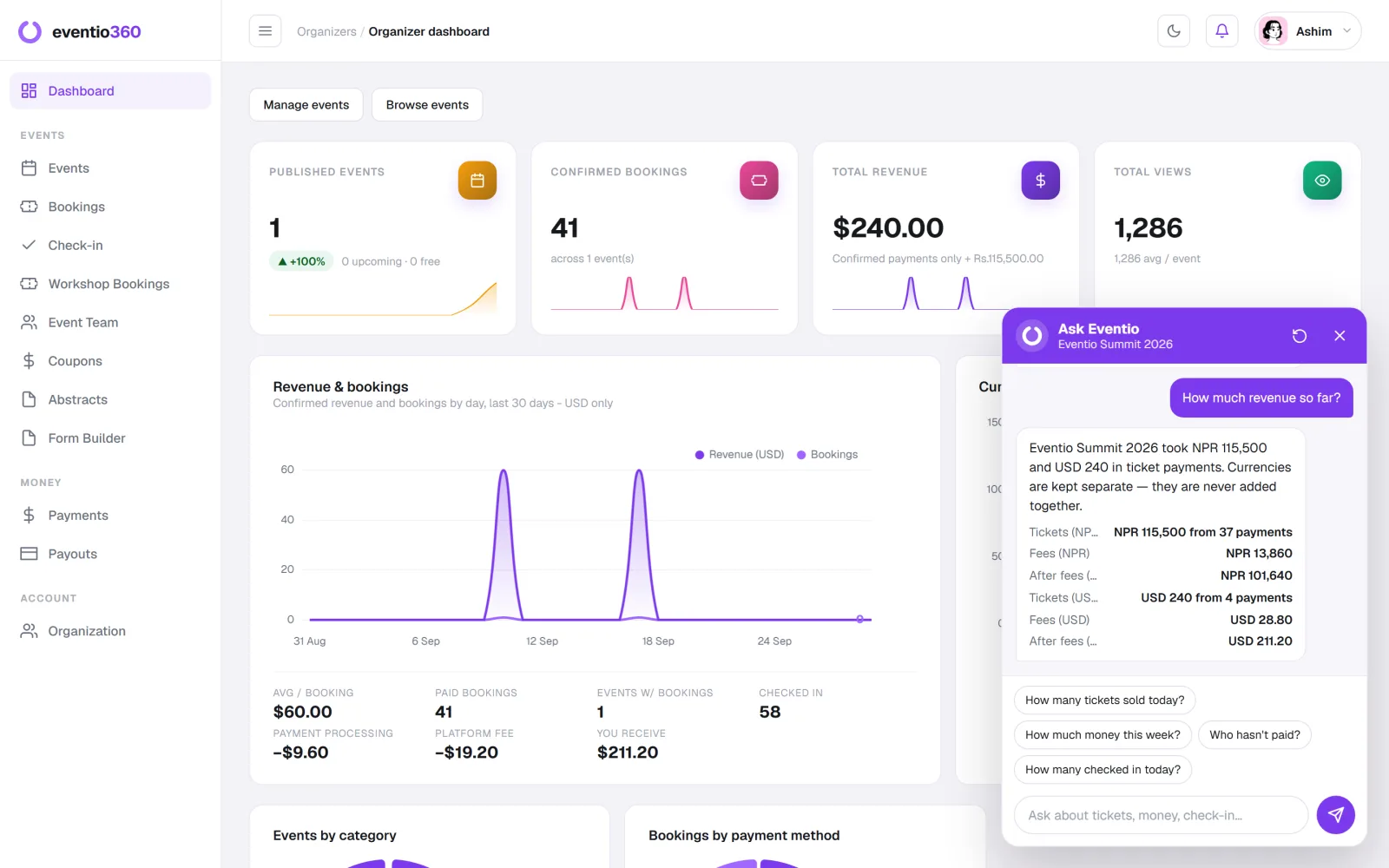
Confirmed payments, minus fees, add up to your available balance. Different currencies stay separate — they are never added together into one misleading total.
5. You request a payout
When you are ready, request a payout to your organisation's bank account. Keep your payout bank details up to date, and check the name on the account matches your organisation.
6. Reconcile
Every booking has an invoice, and every payout lists what it covers. At the end of an event you should be able to match: tickets sold → payments confirmed → fees → payouts received.
Tips for organisers
- Plan cash flow: if you need money for venue deposits before the event, budget for the time a payout takes.
- Keep records: download your bookings and payments after each event.
- Answer attendees quickly: "it took my money but I have no ticket" is usually an unfinished payment — it can be finished from their booking link.
In short
Attendee pays → payment confirmed → ticket issued → fees calculated → balance builds → you request a payout → you reconcile.
On Eventio360 you see revenue per currency, fees and "what you receive" per event, request payouts to your bank account, and every booking comes with an invoice. See pricing.
Registrations and revenue per day, sales by ticket type, attendance per day and your own form's answers — charted for every event, per currency.